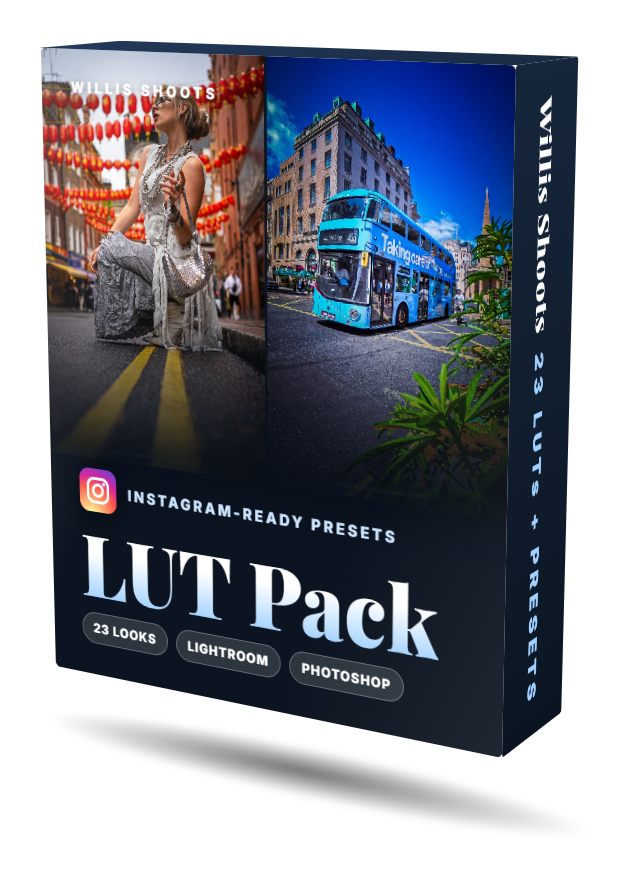
The Instagram LUT Pack is the colour grading I use on my own street, portrait and night photos, built from my real edits and tested on real raw files. 23 clearly different looks. Lightroom, Photoshop and Premiere. Instant download.

Secure checkout with Stripe. Card, Apple Pay or Google Pay. Download link straight to your inbox.
Shot and edited by me
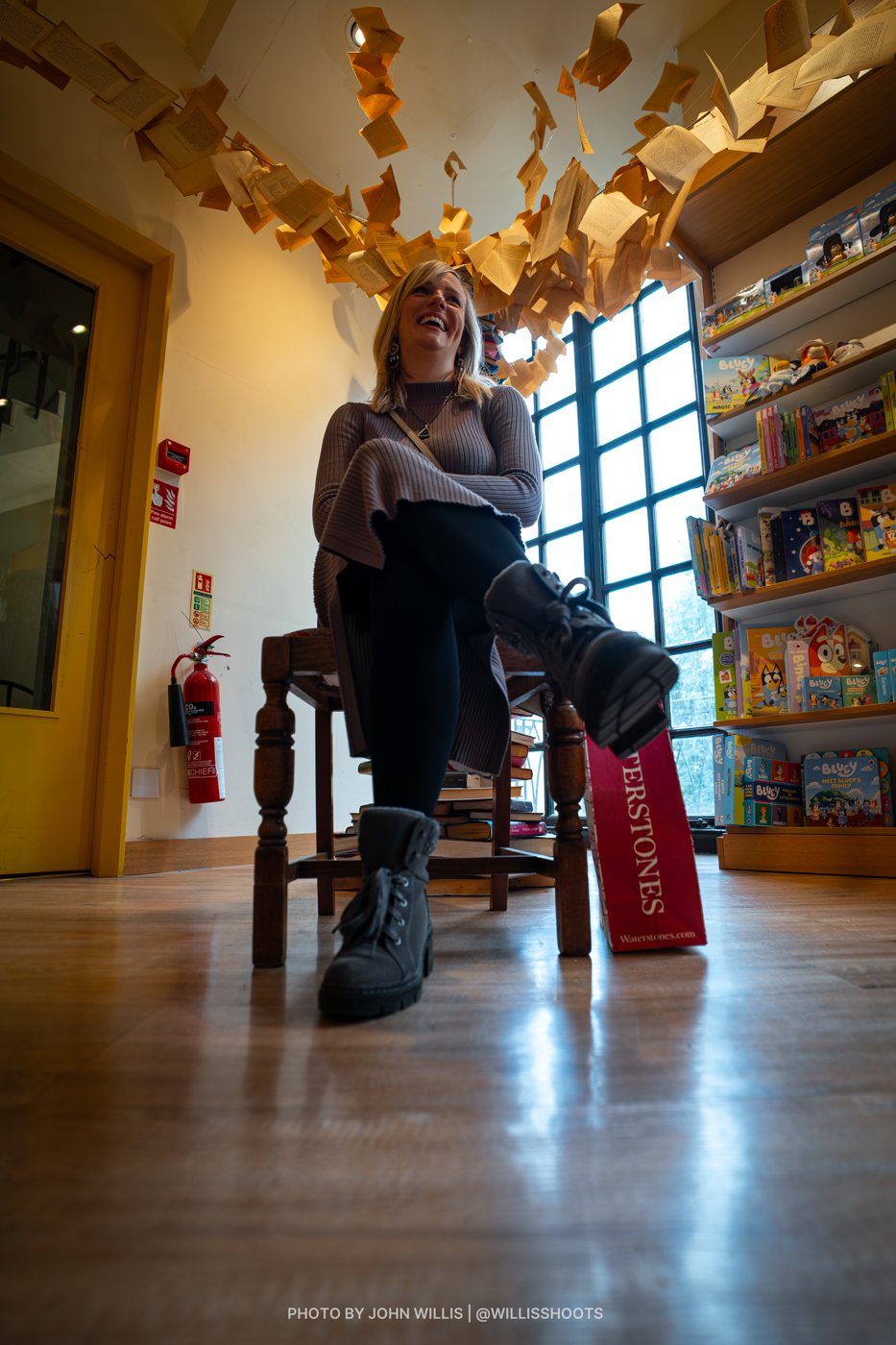
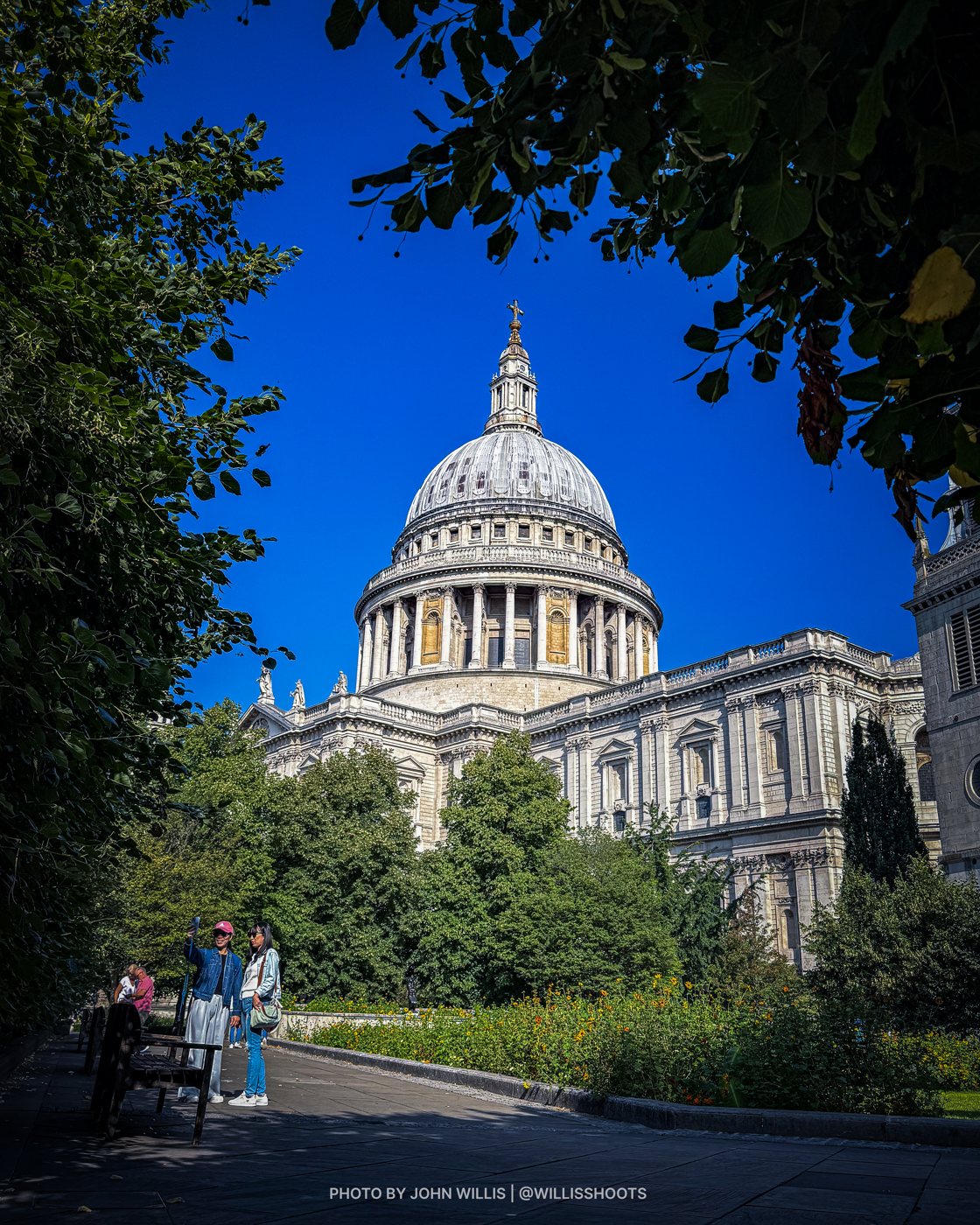
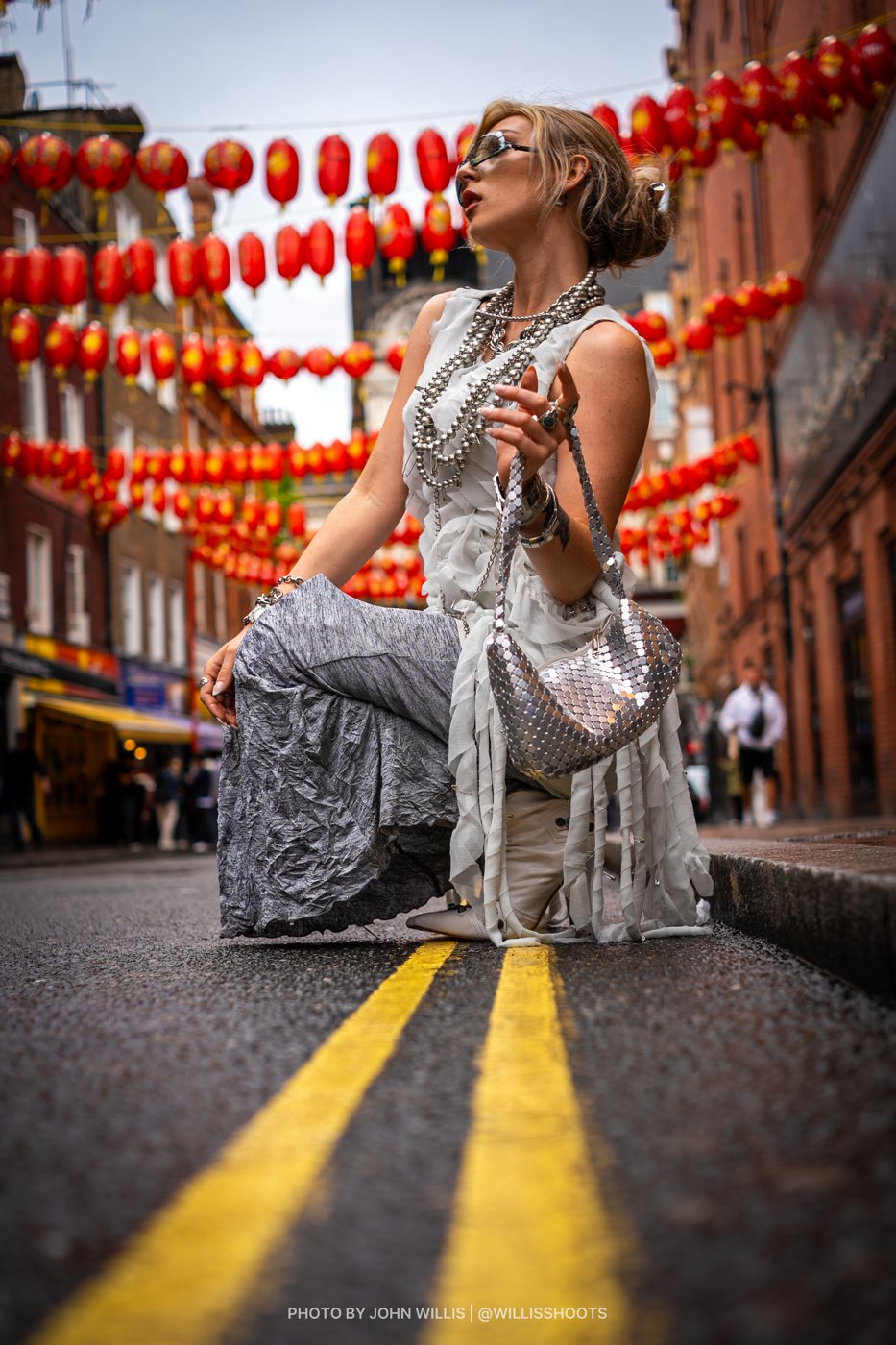
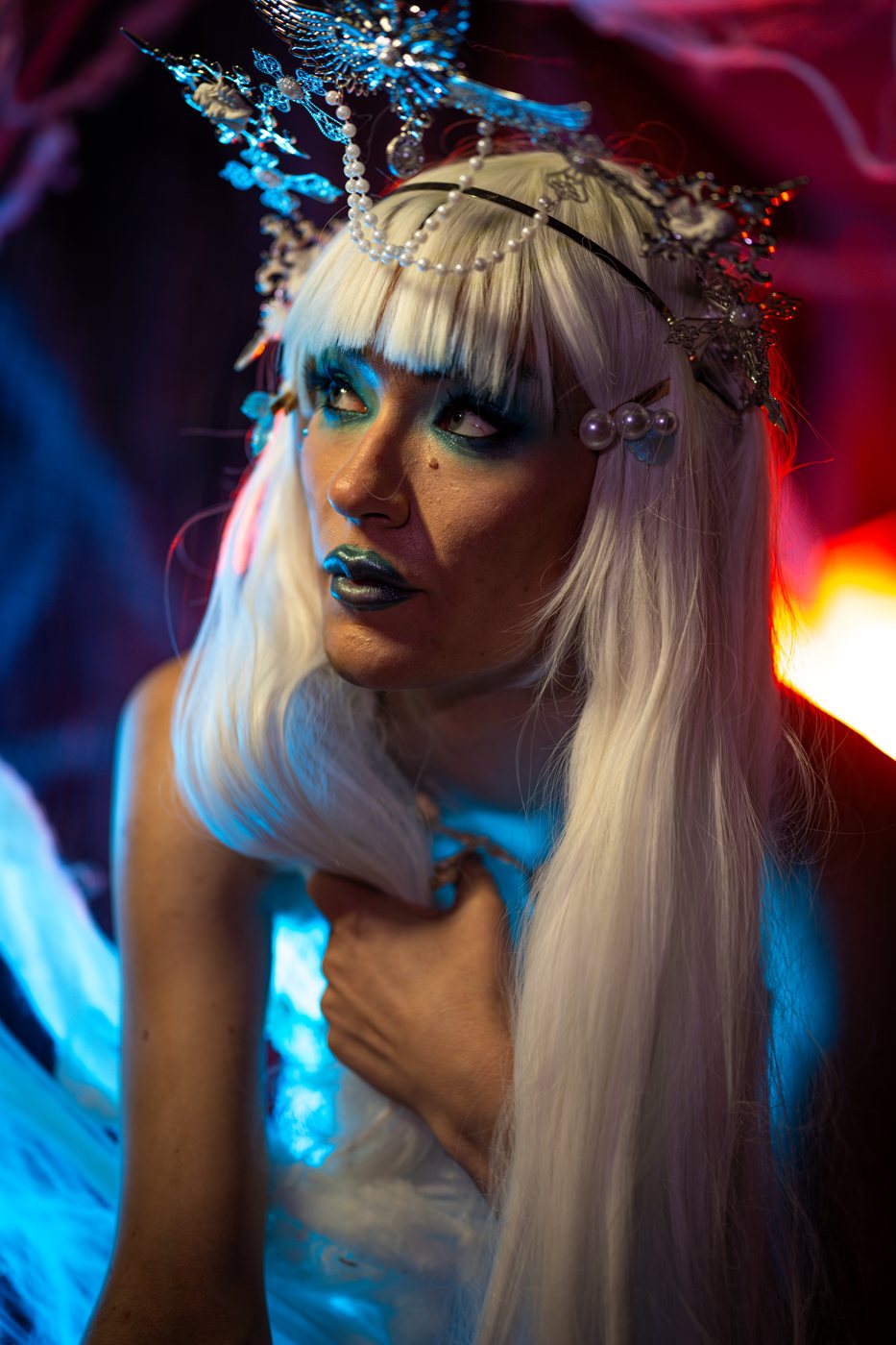
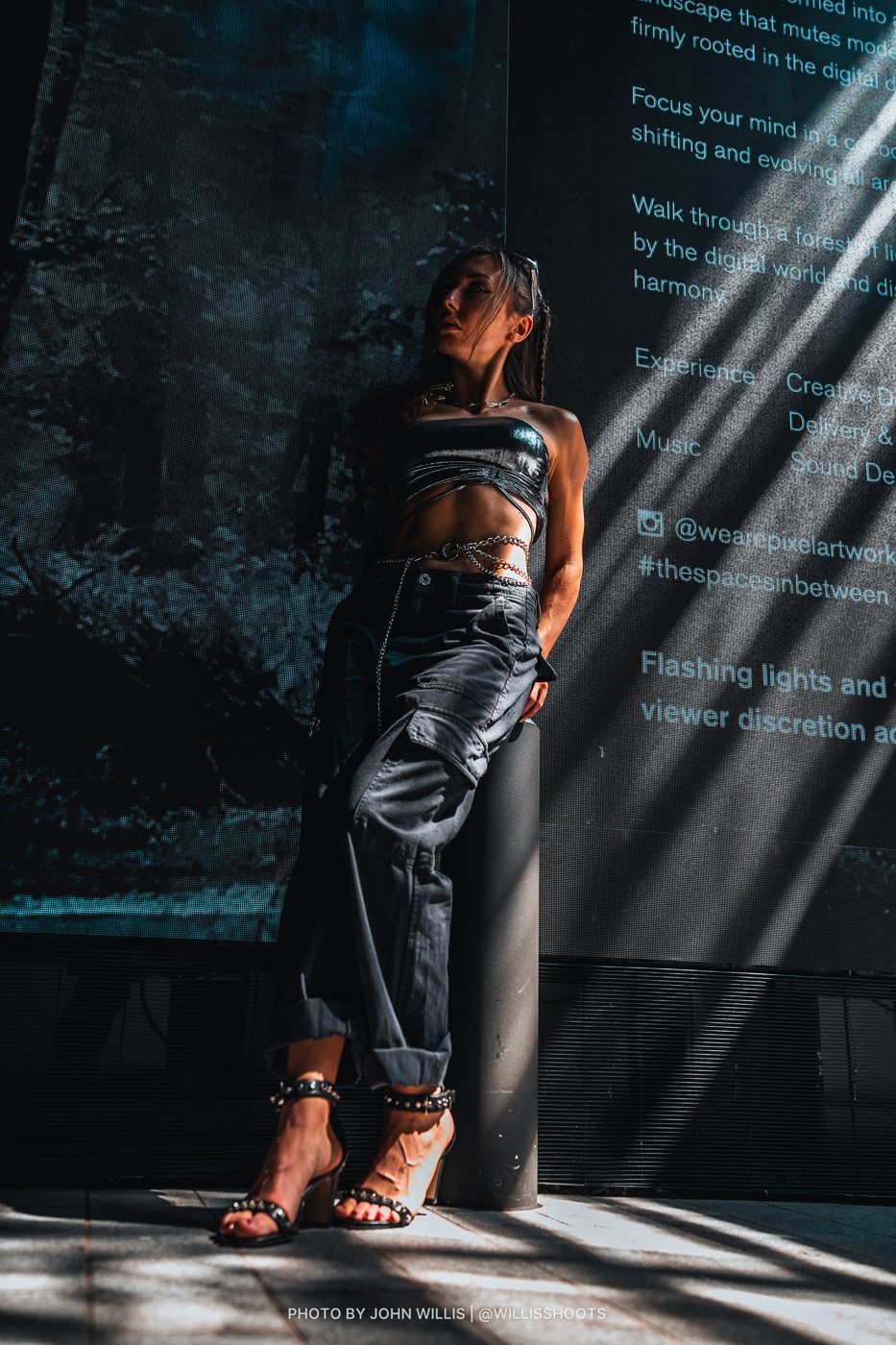
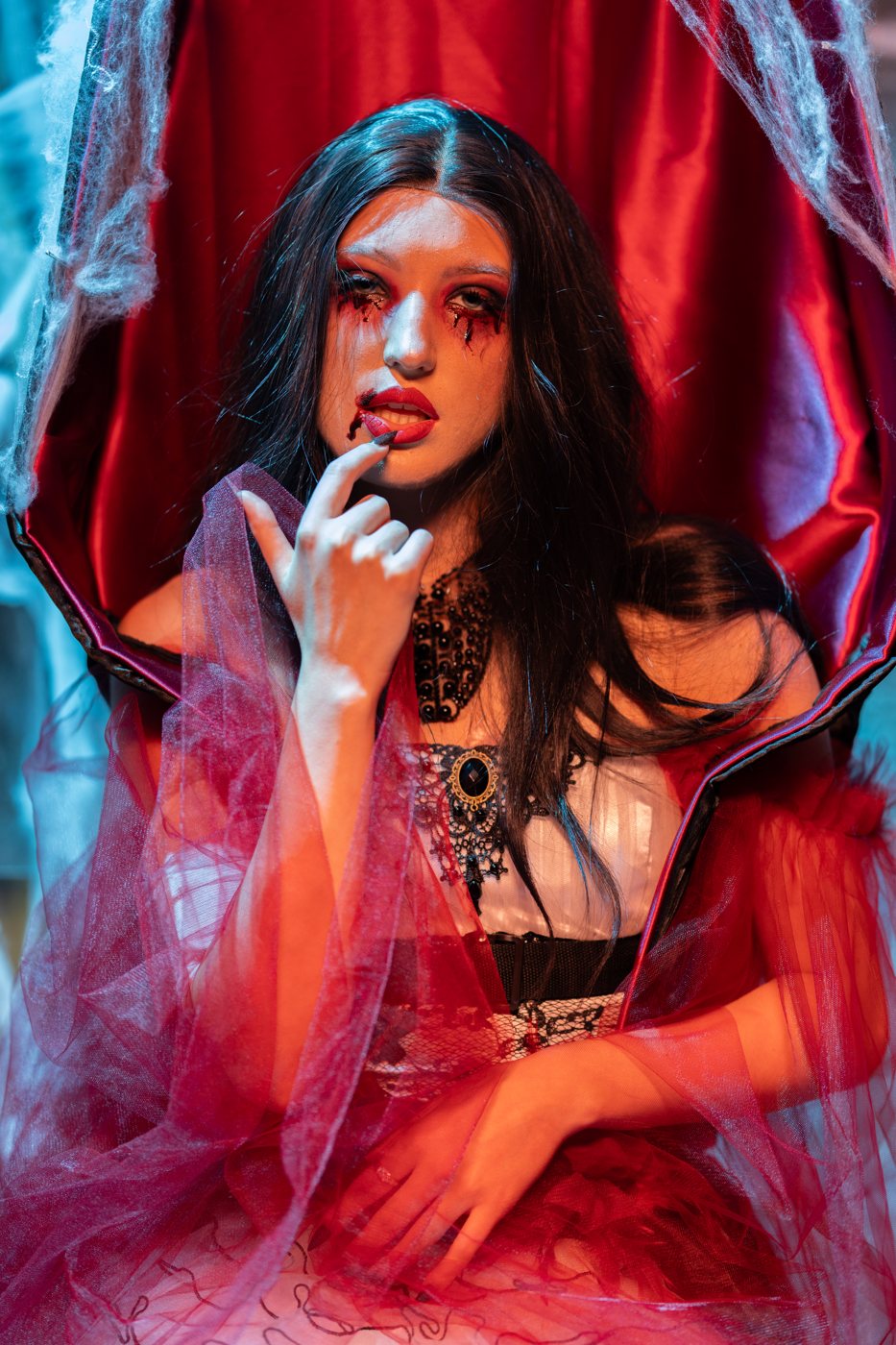
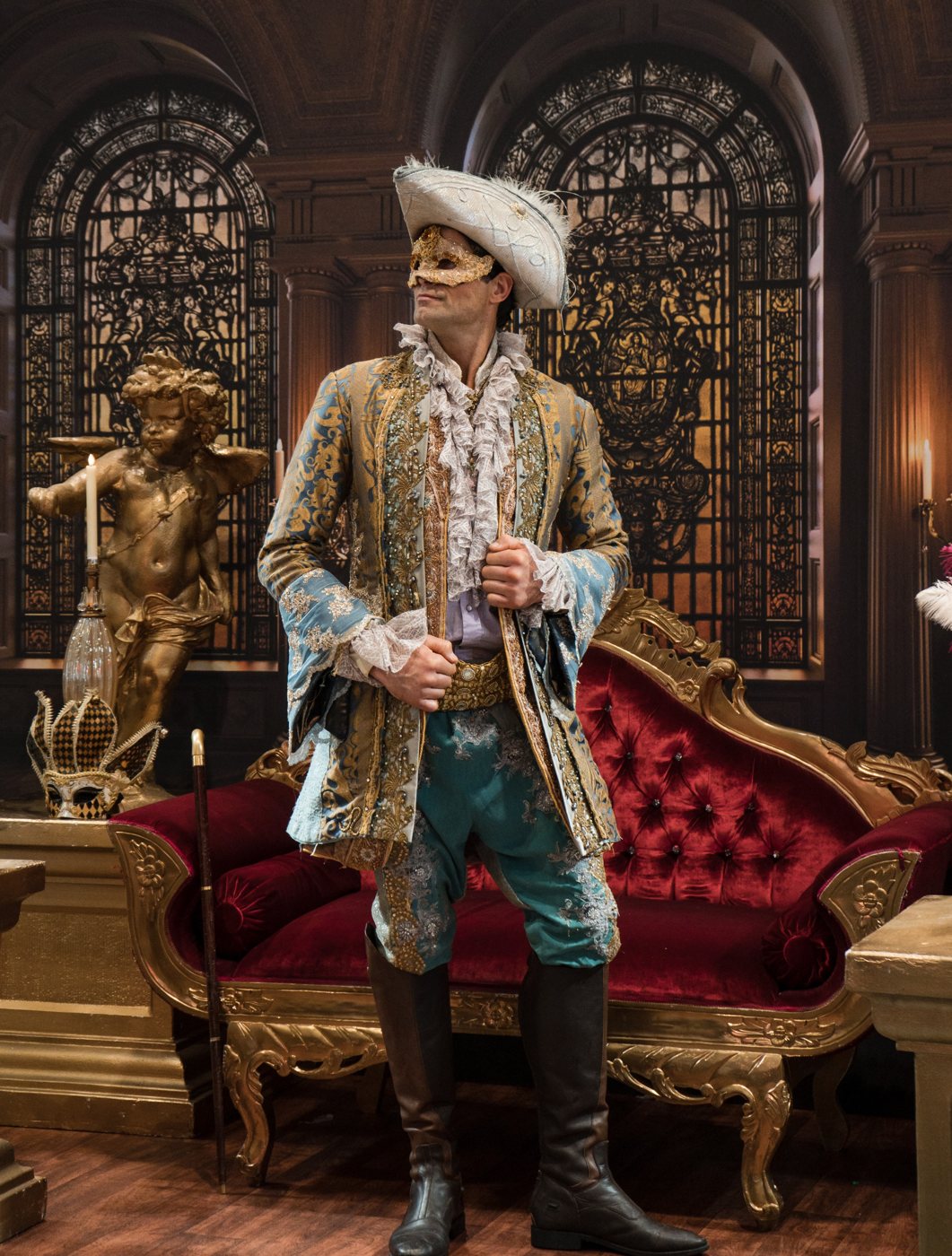
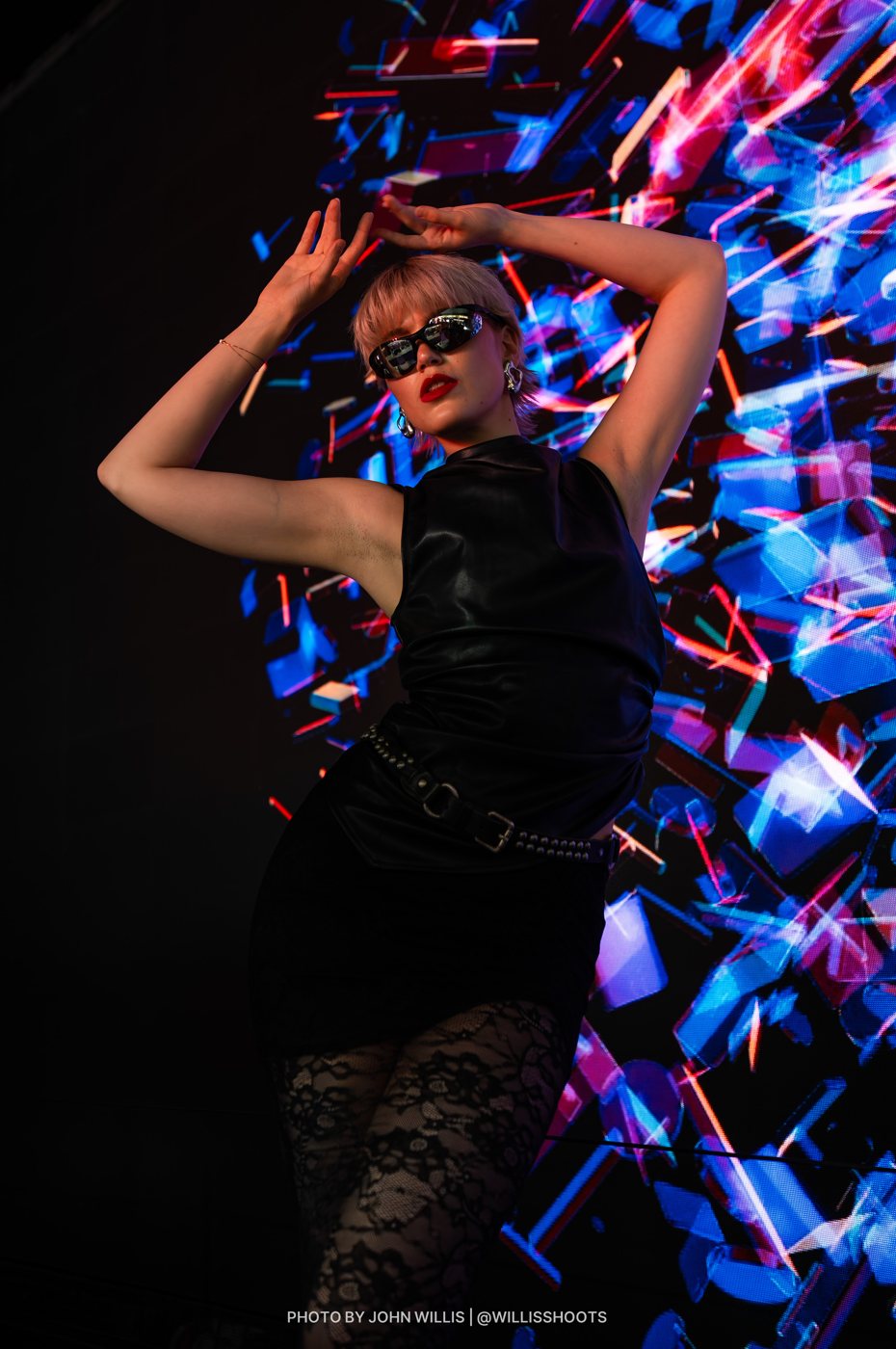
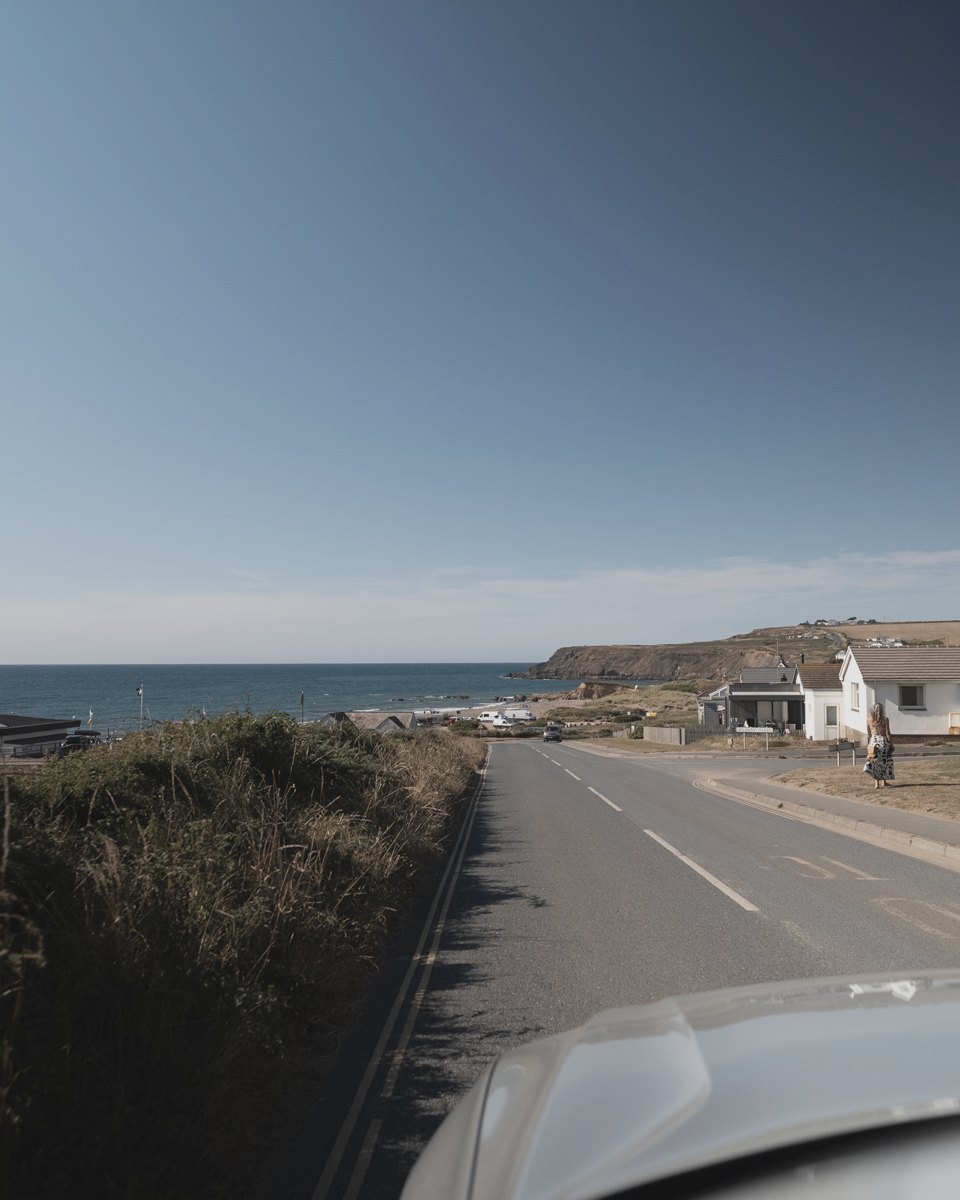
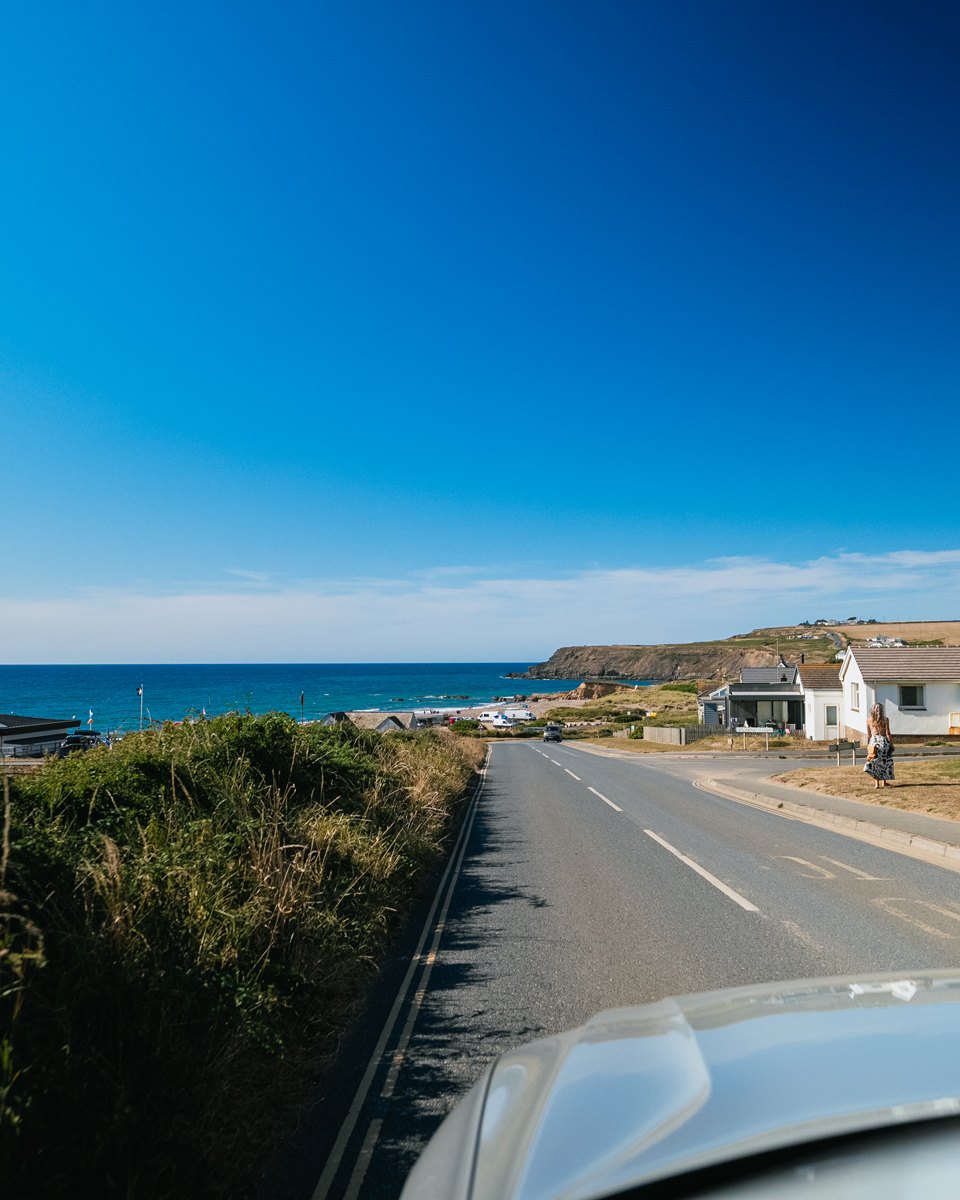
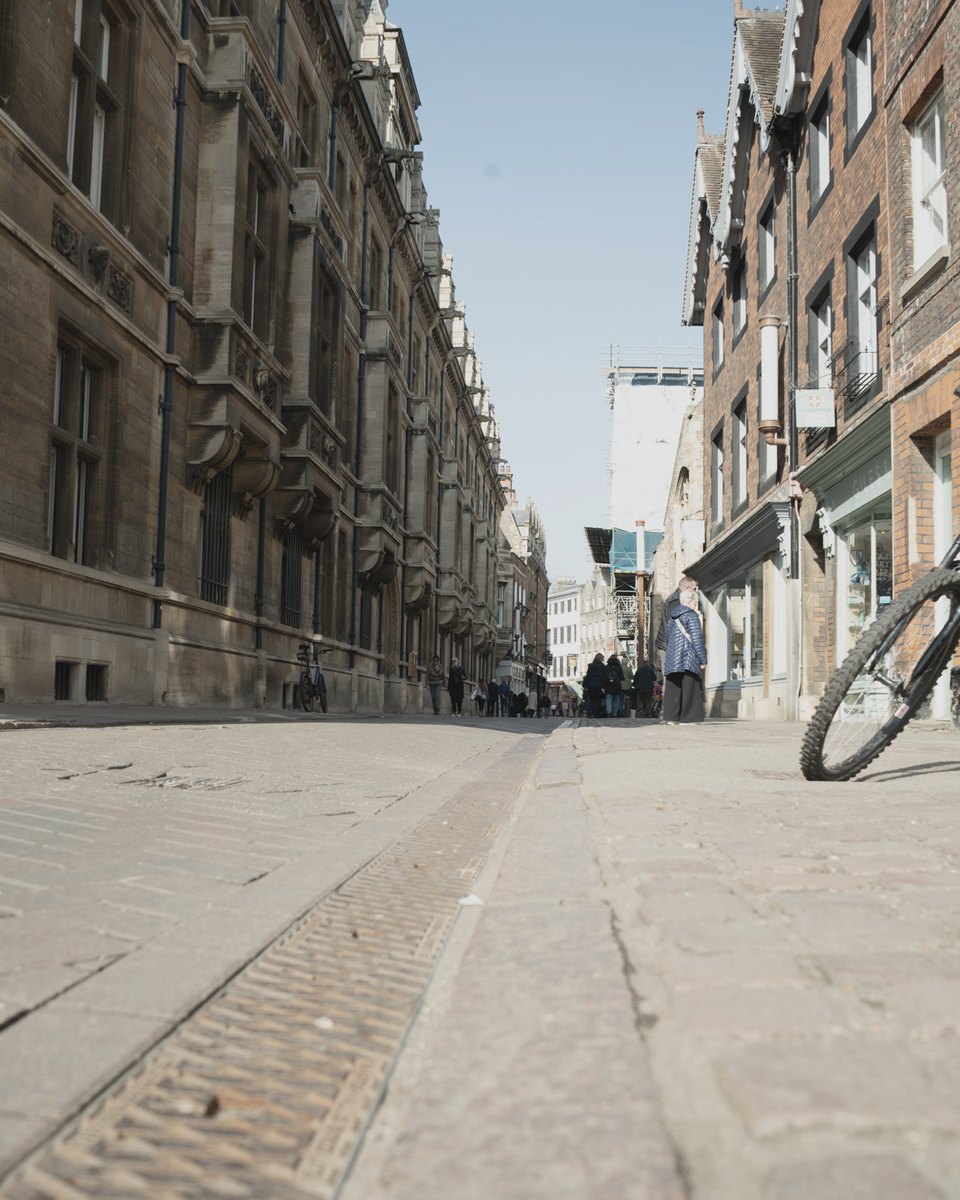
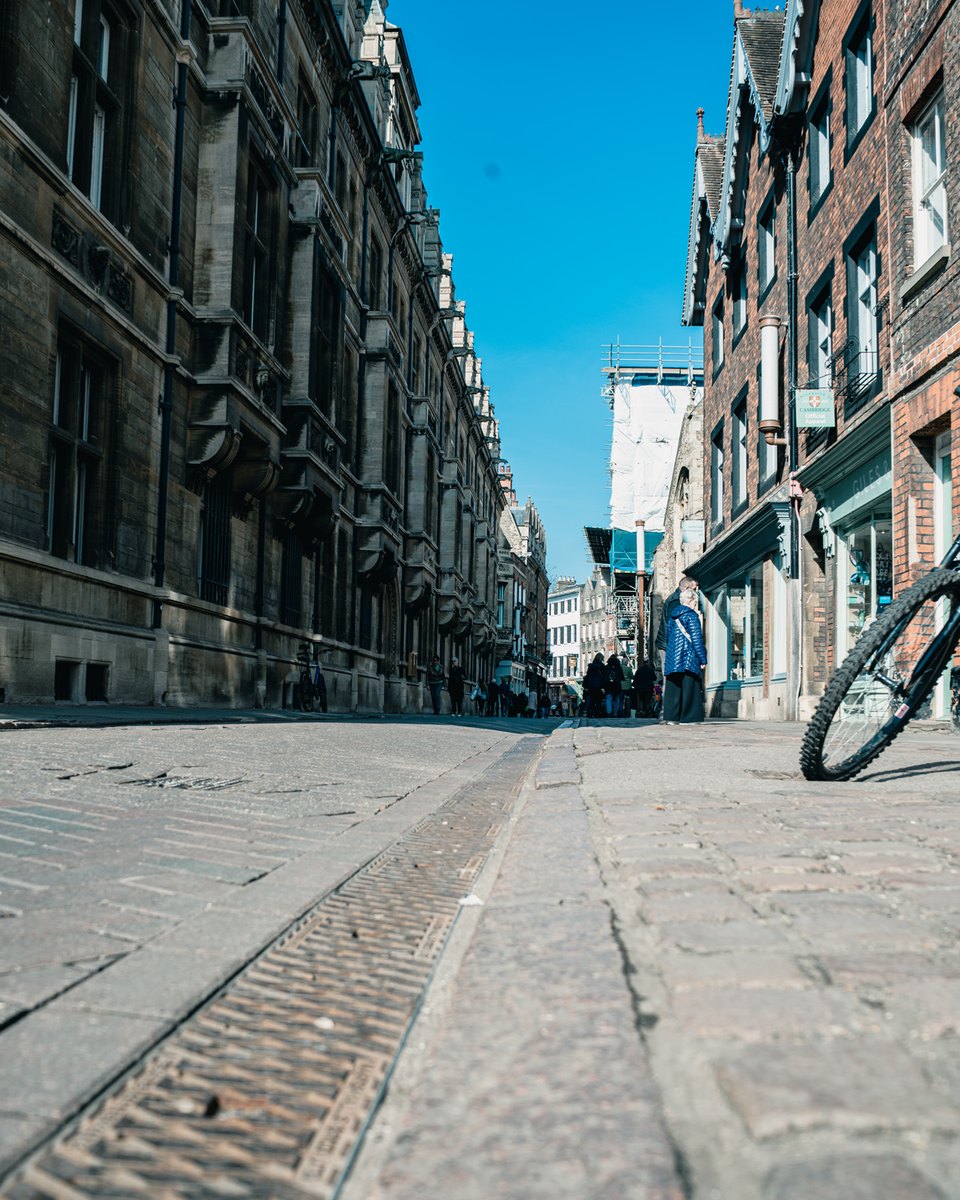
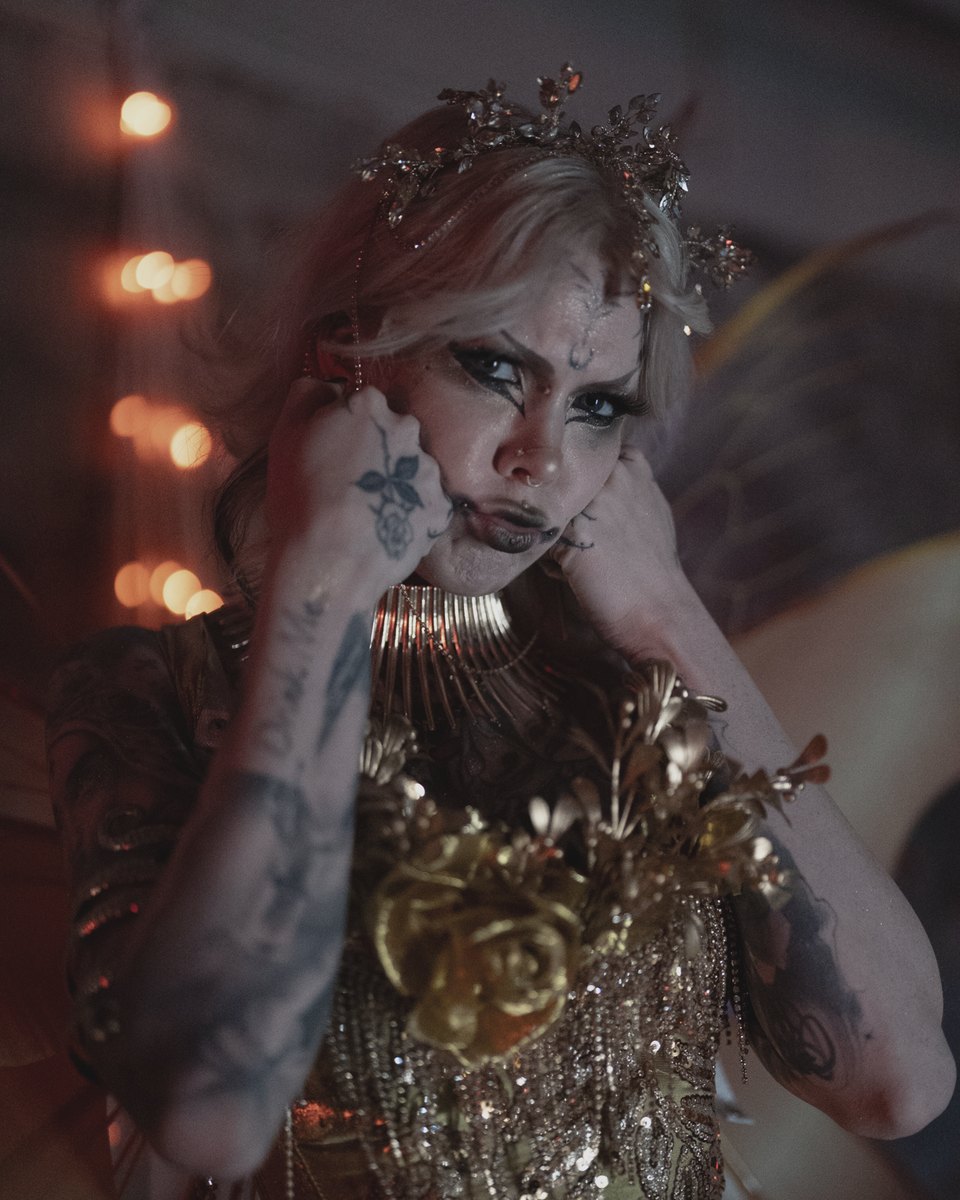
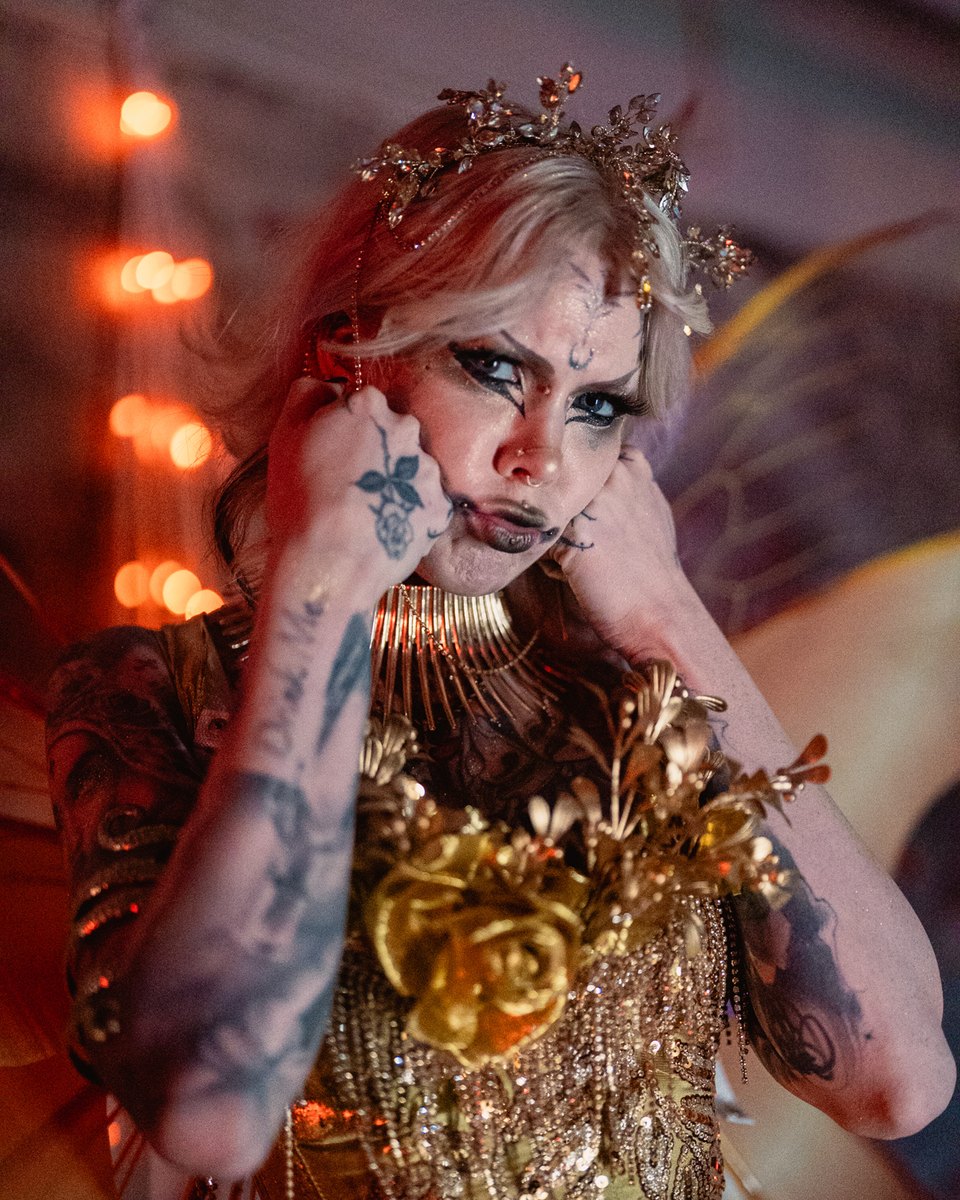
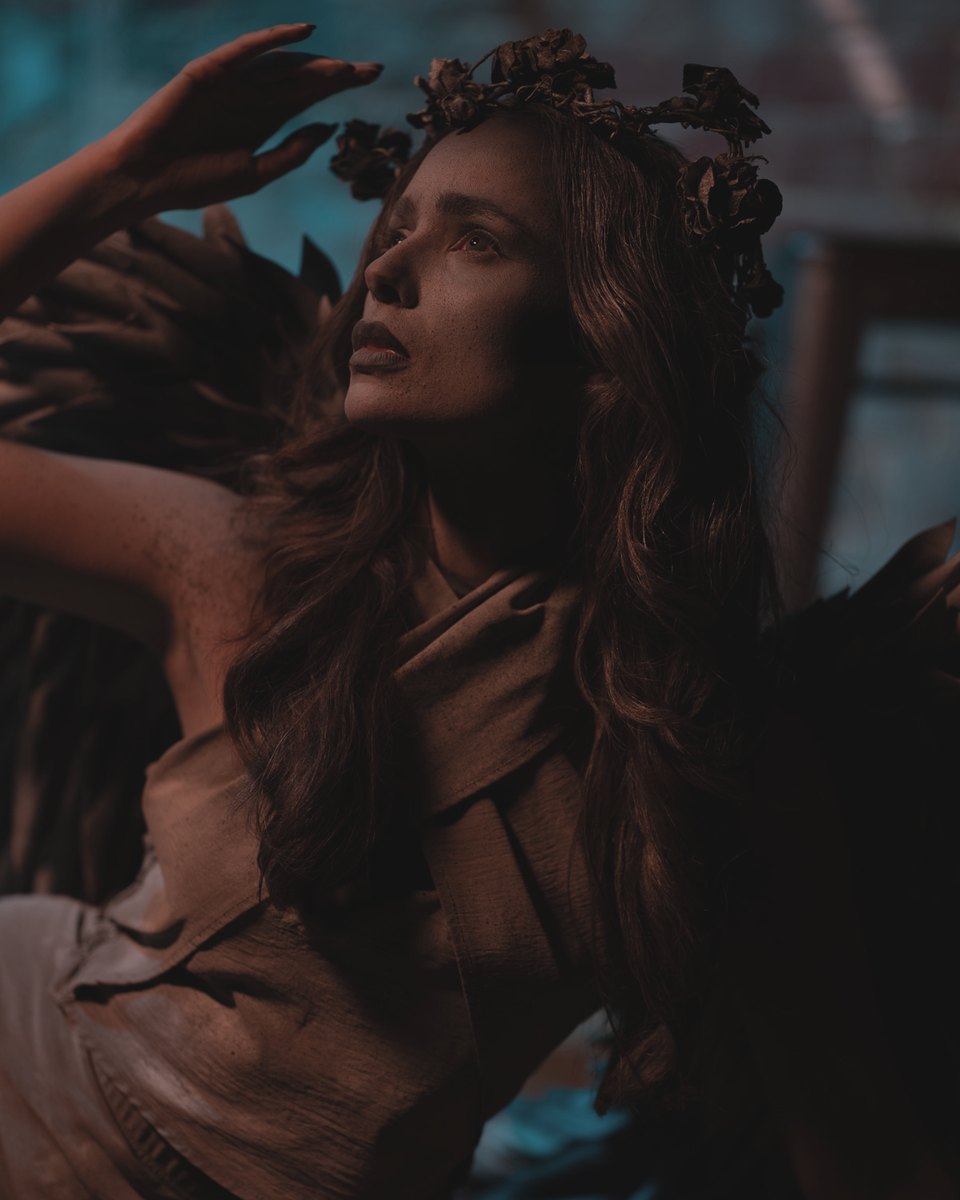
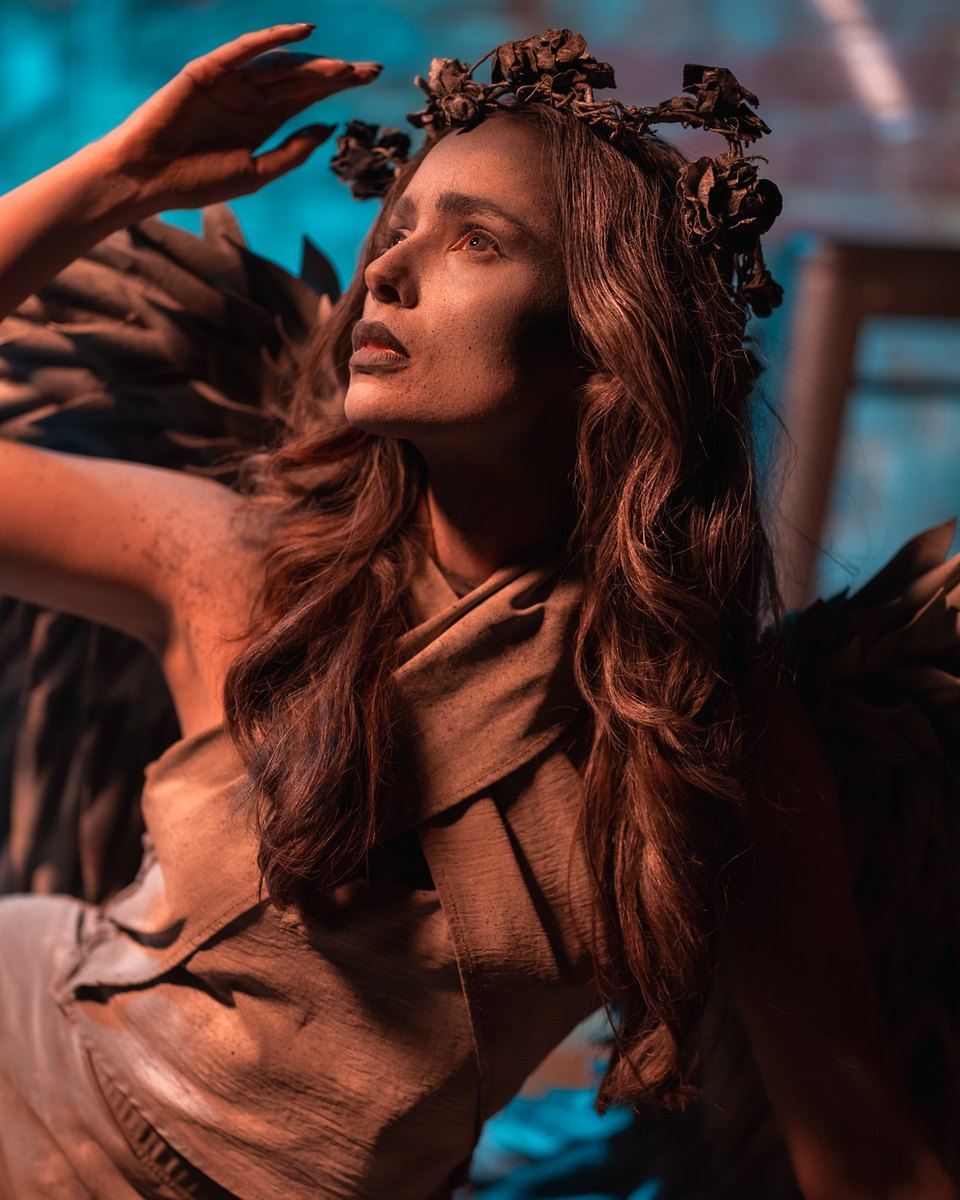
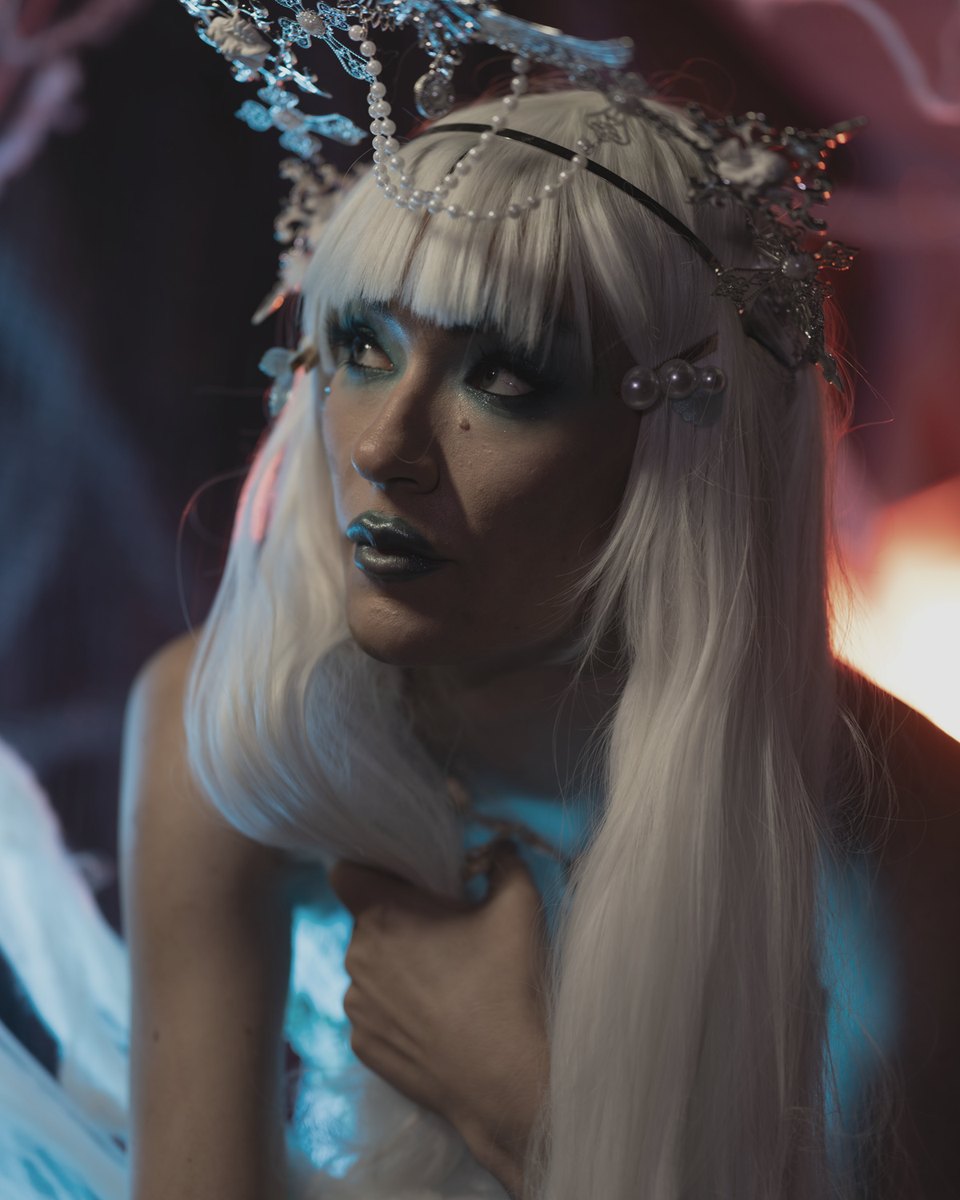
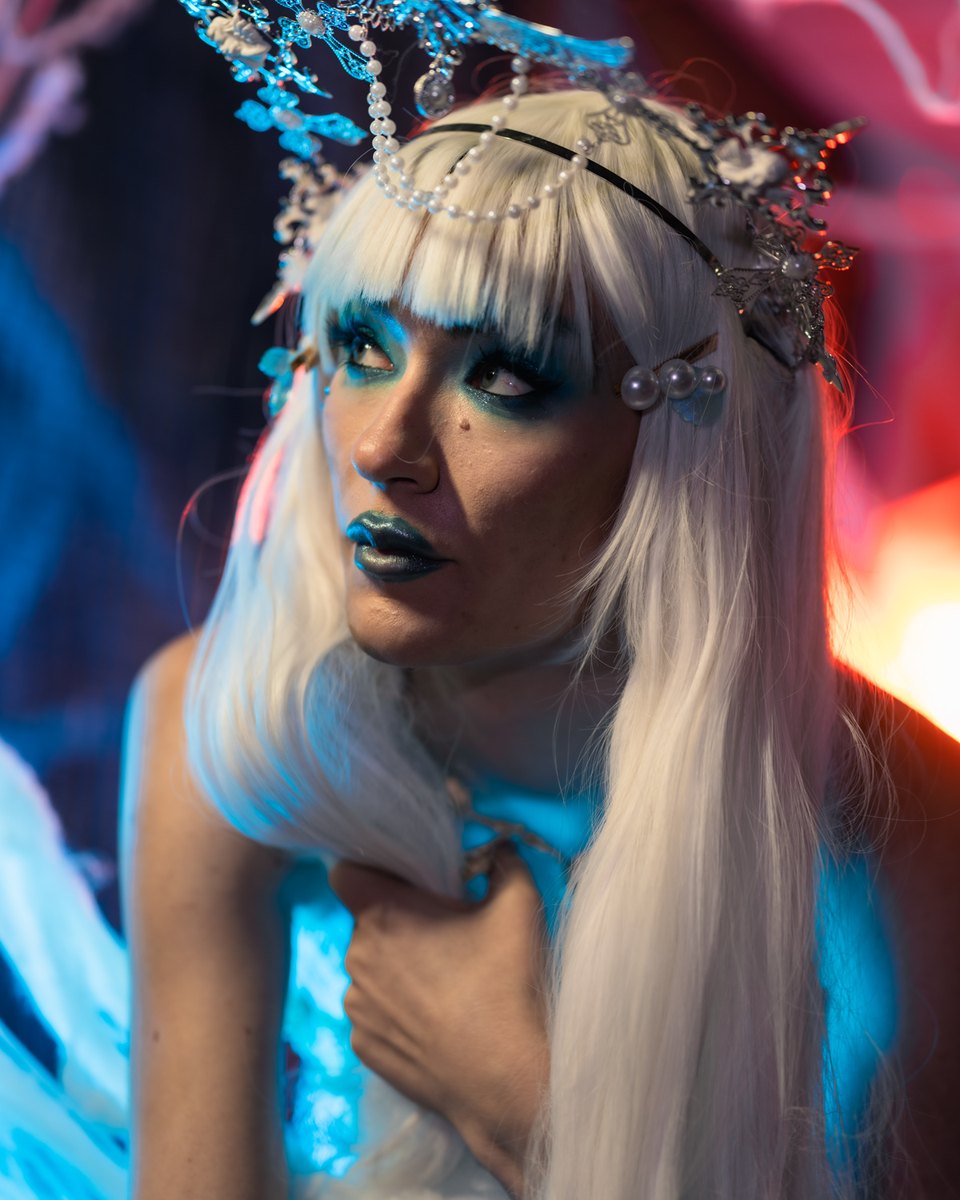
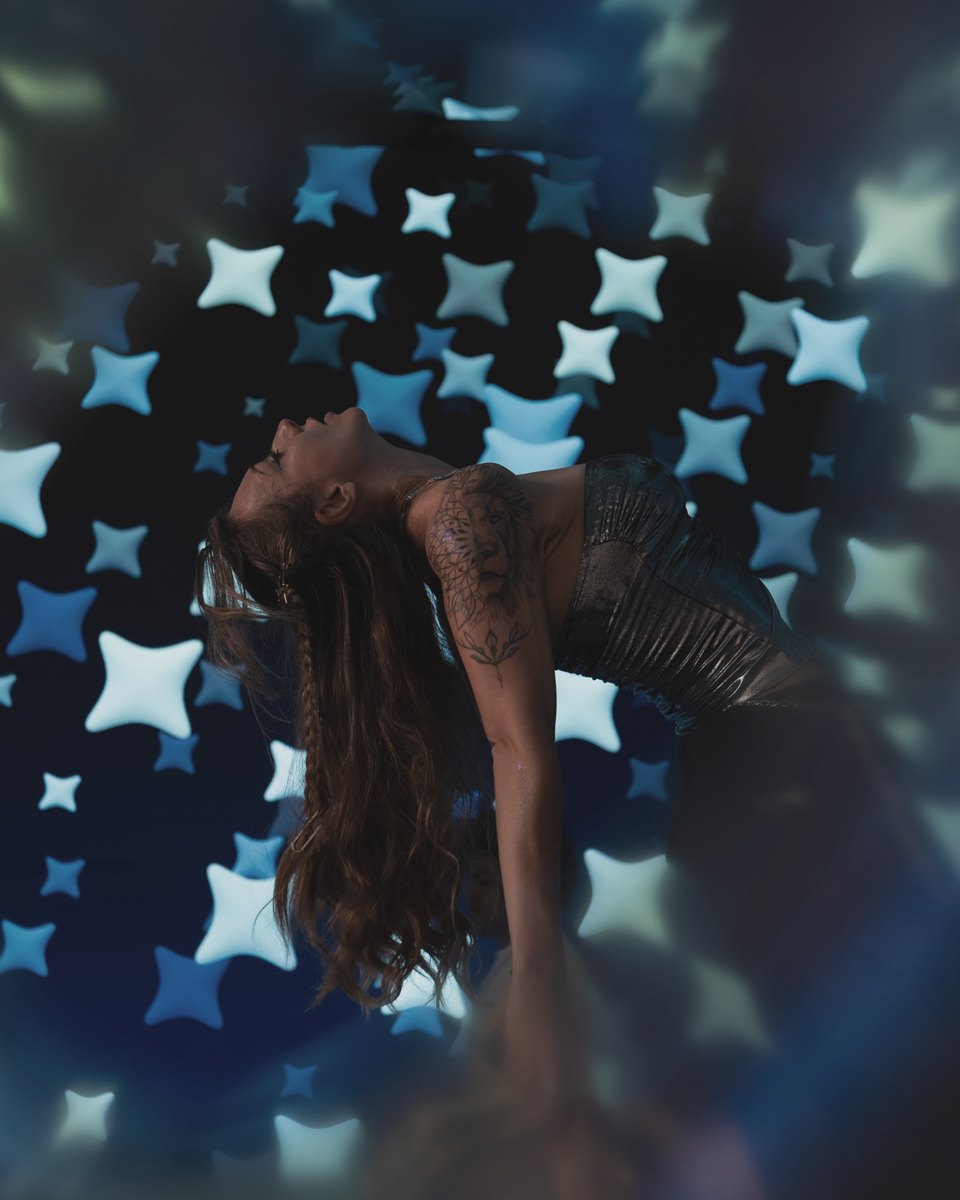
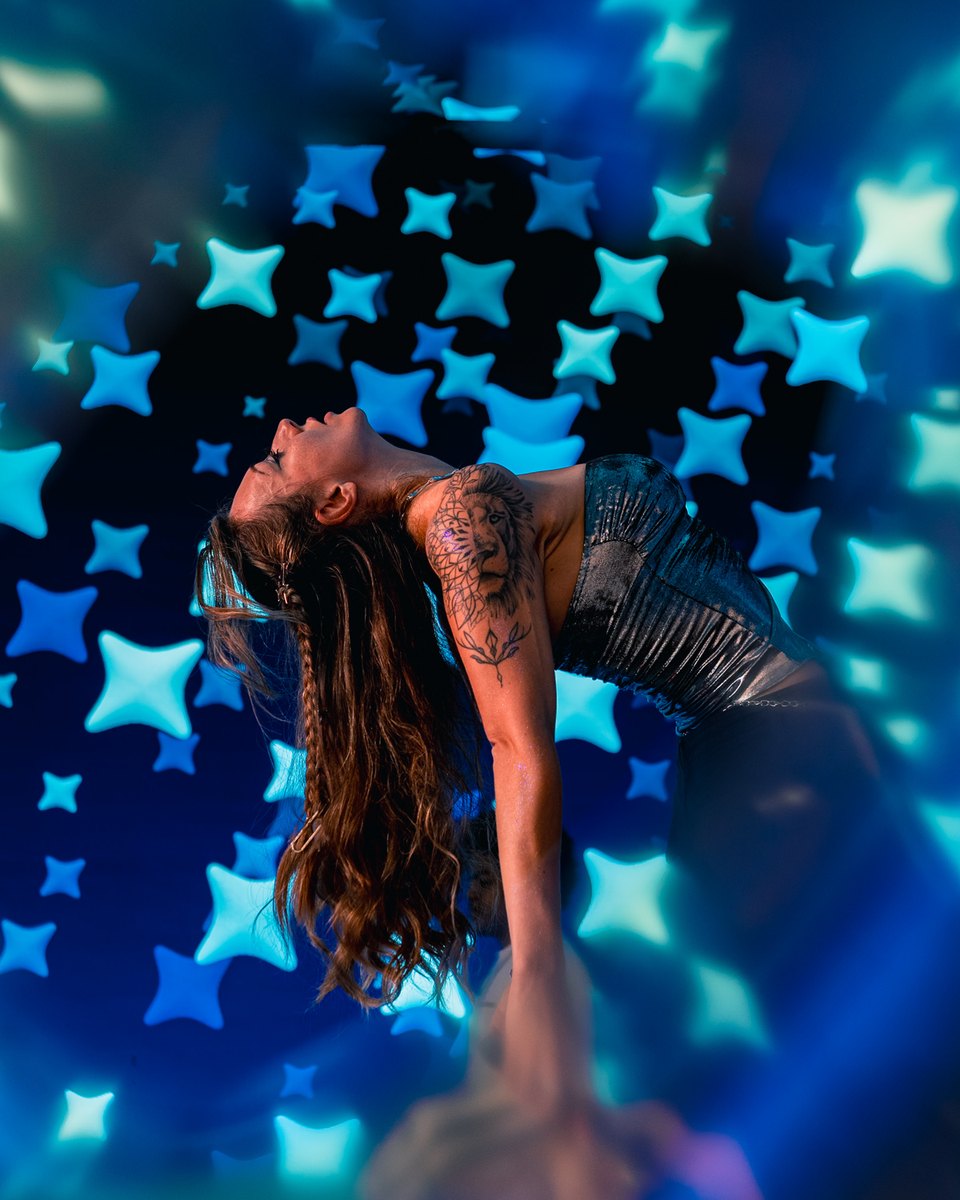
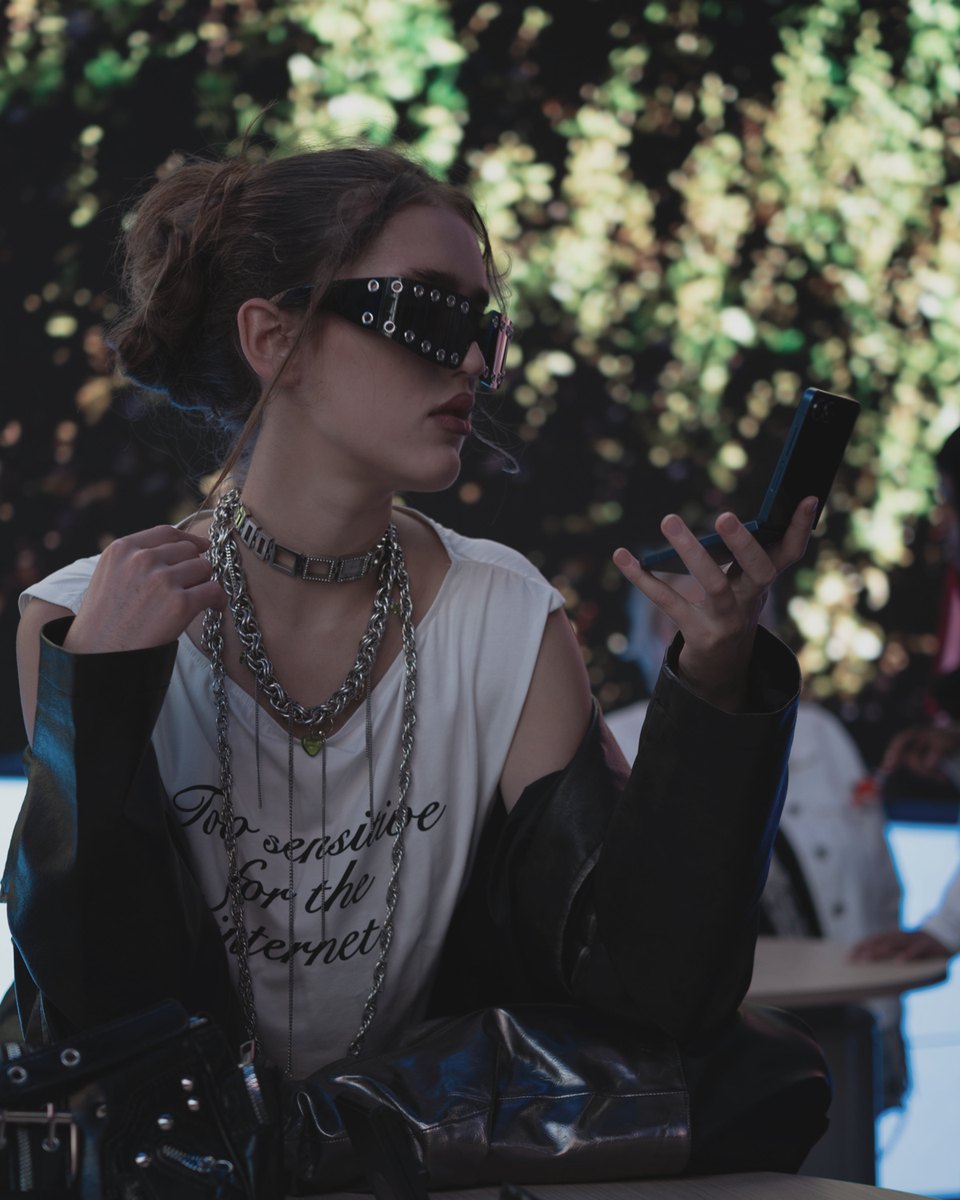
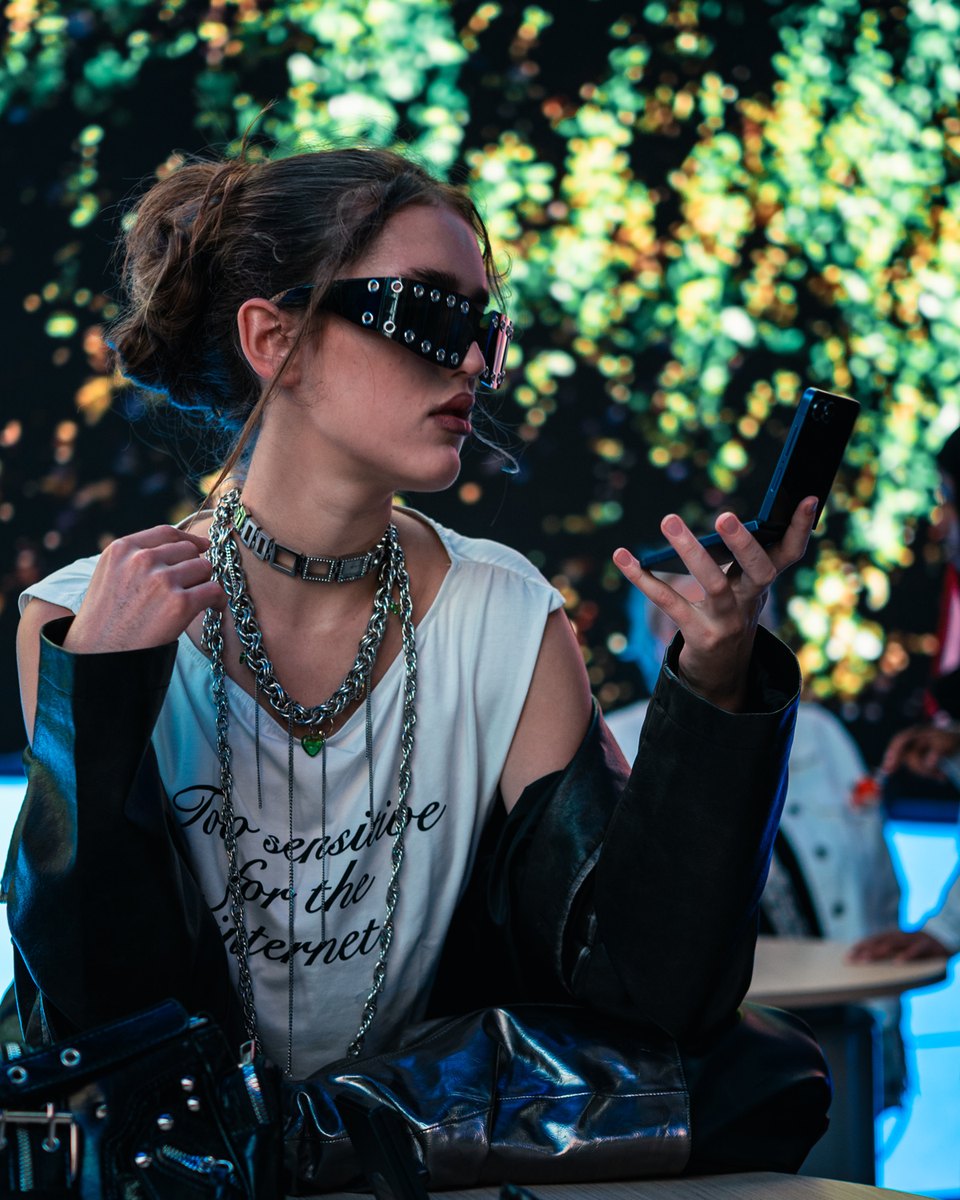
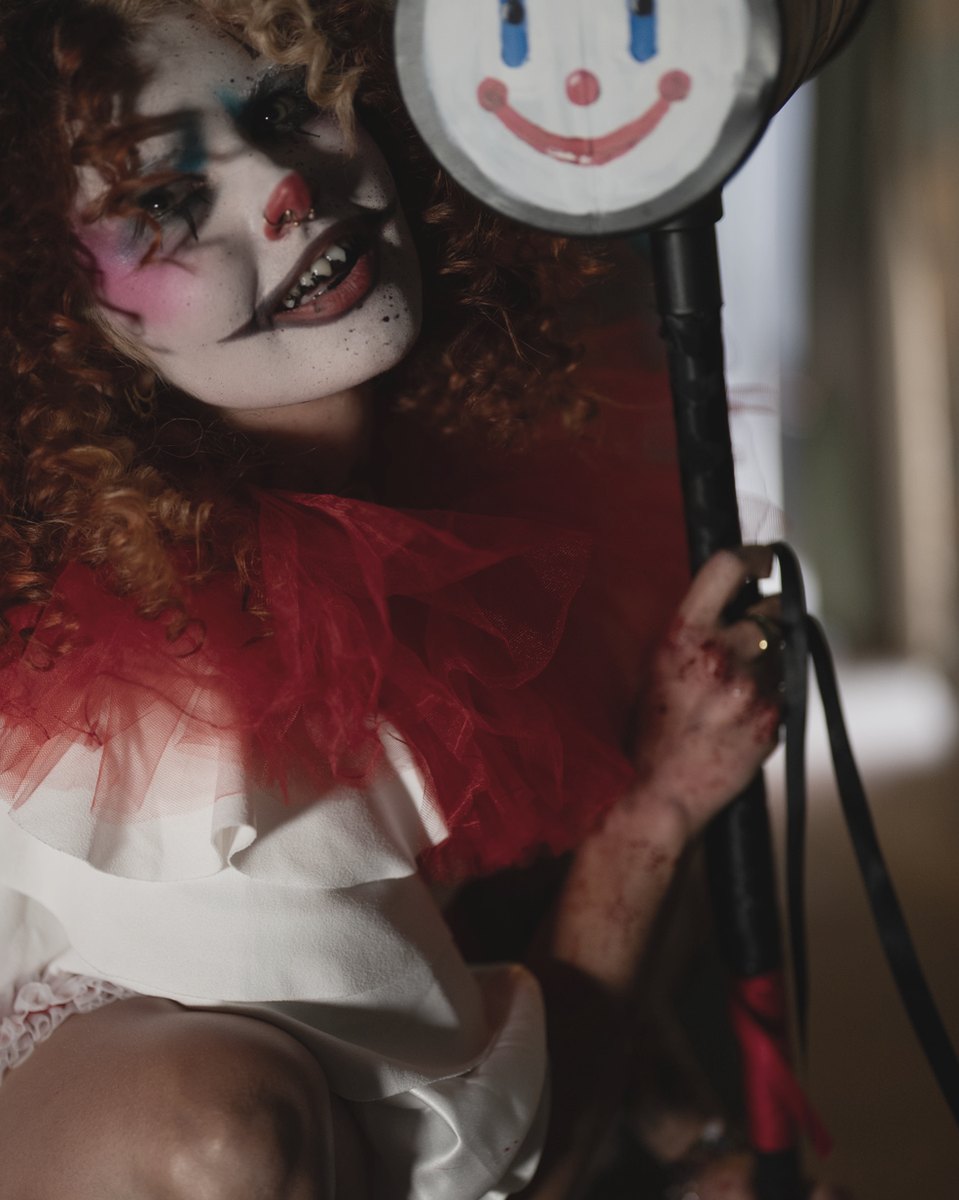
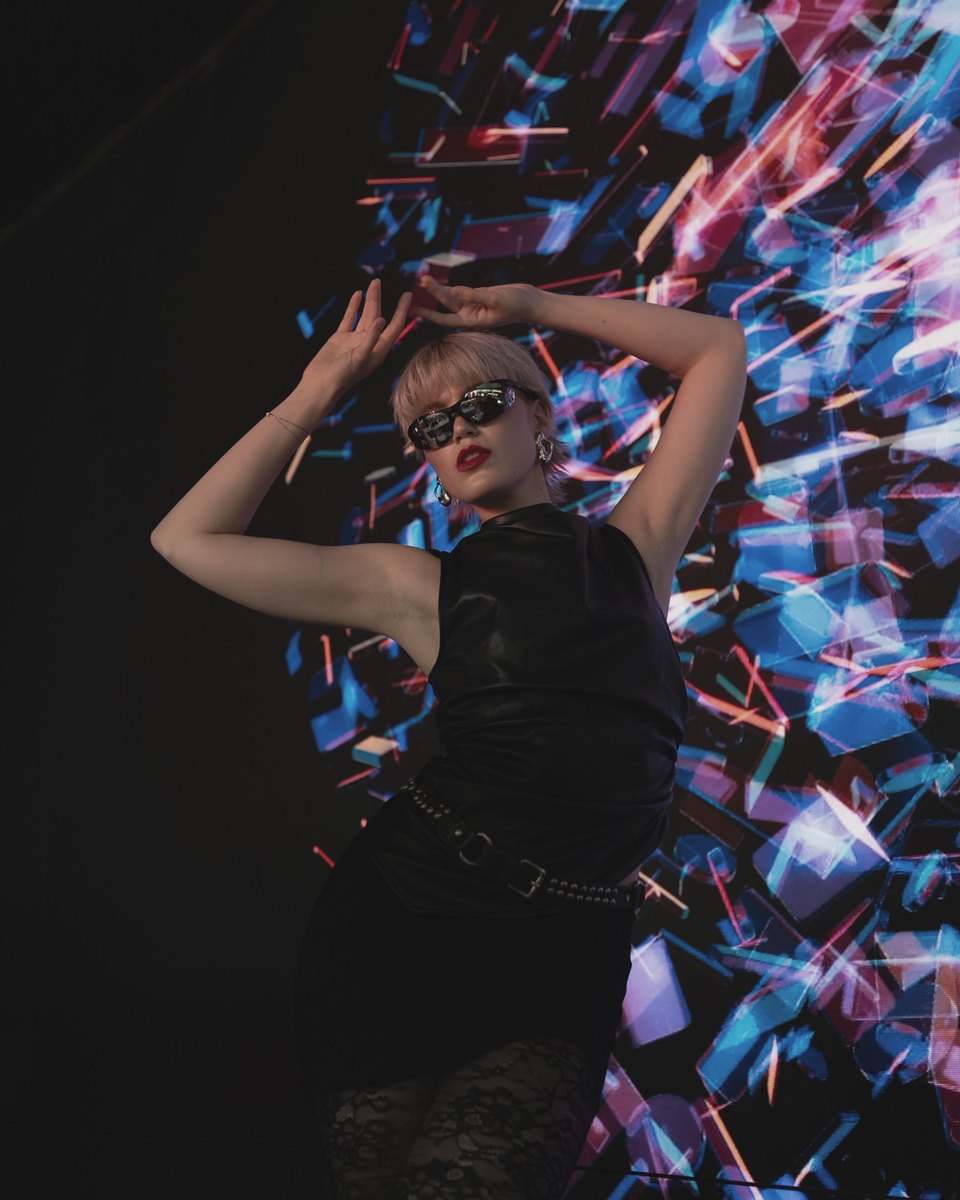
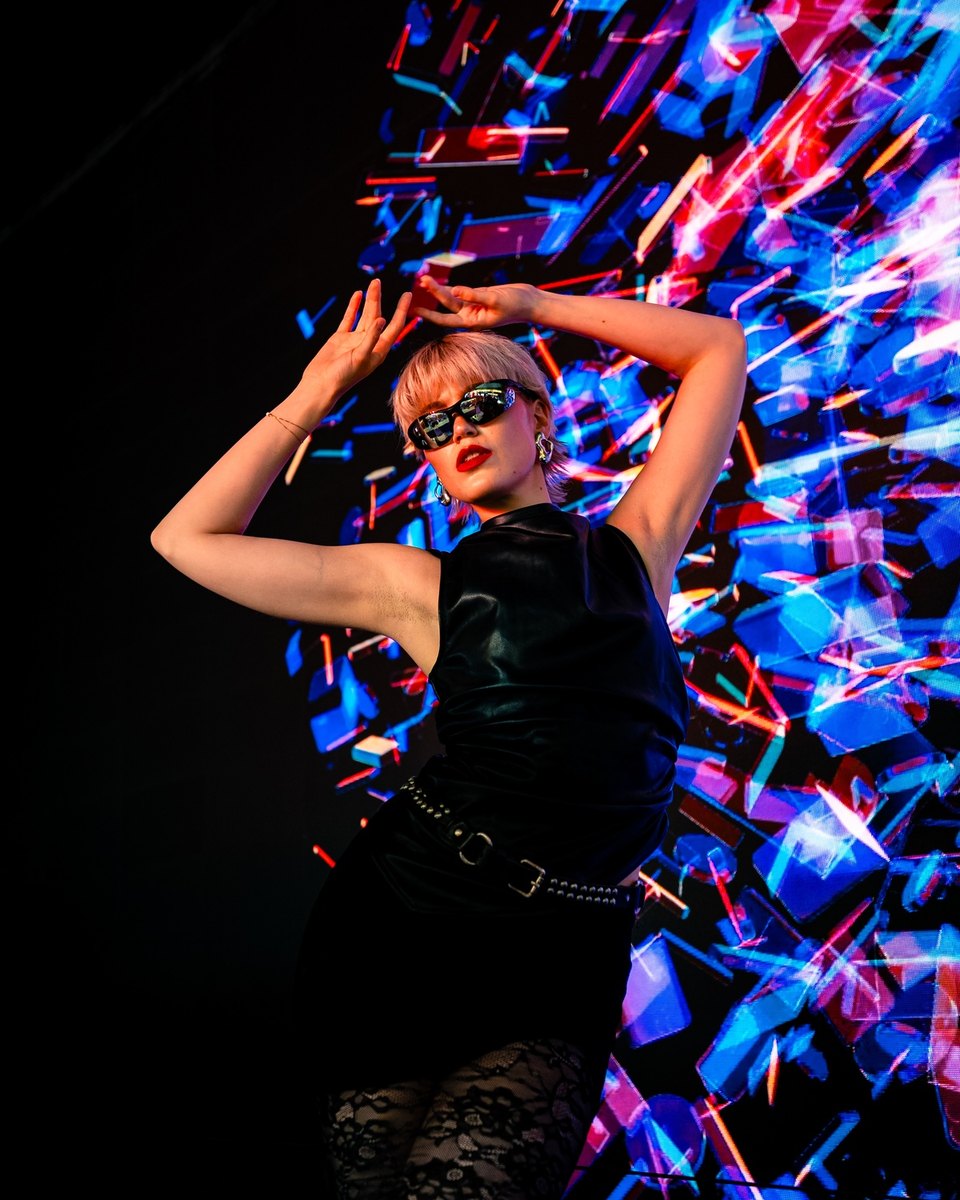
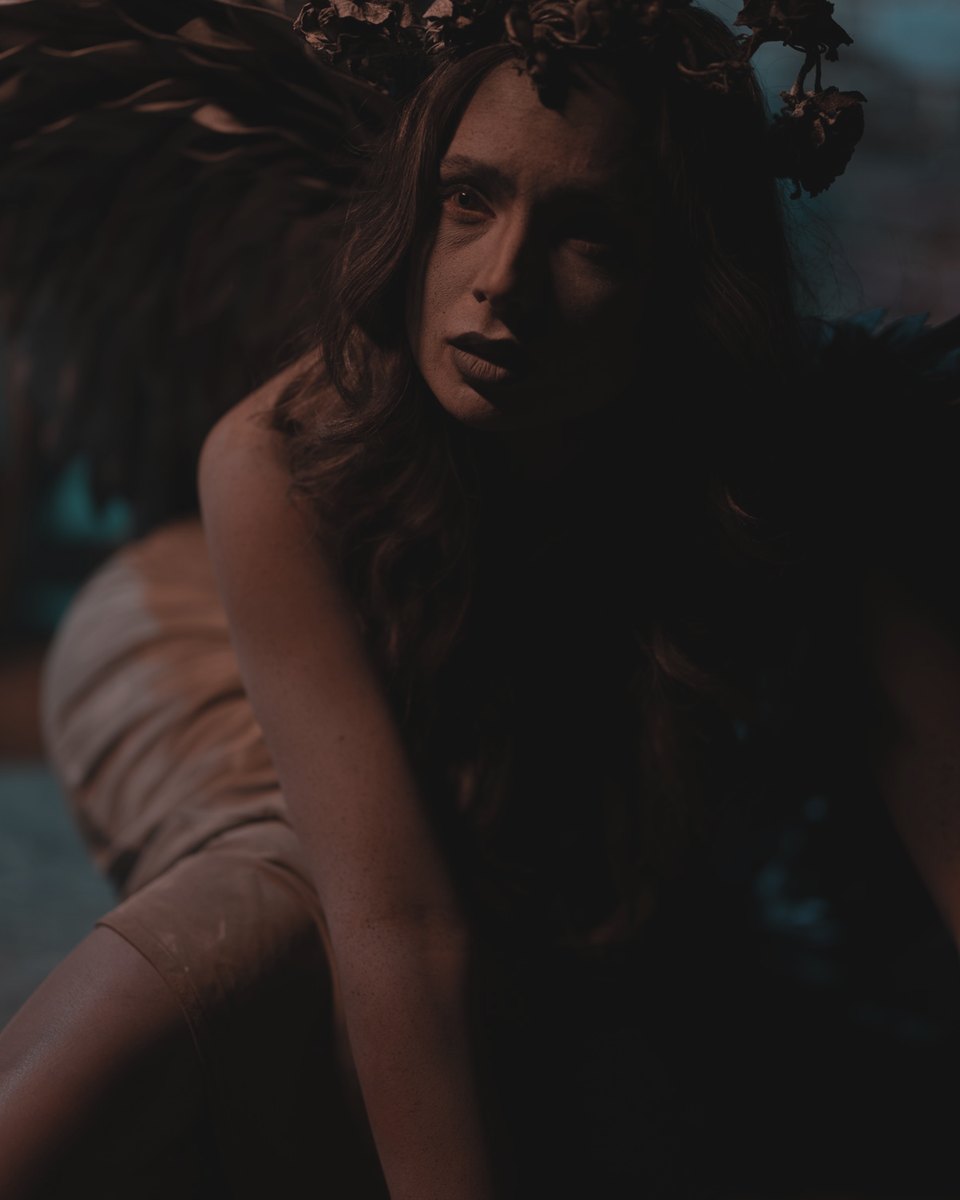
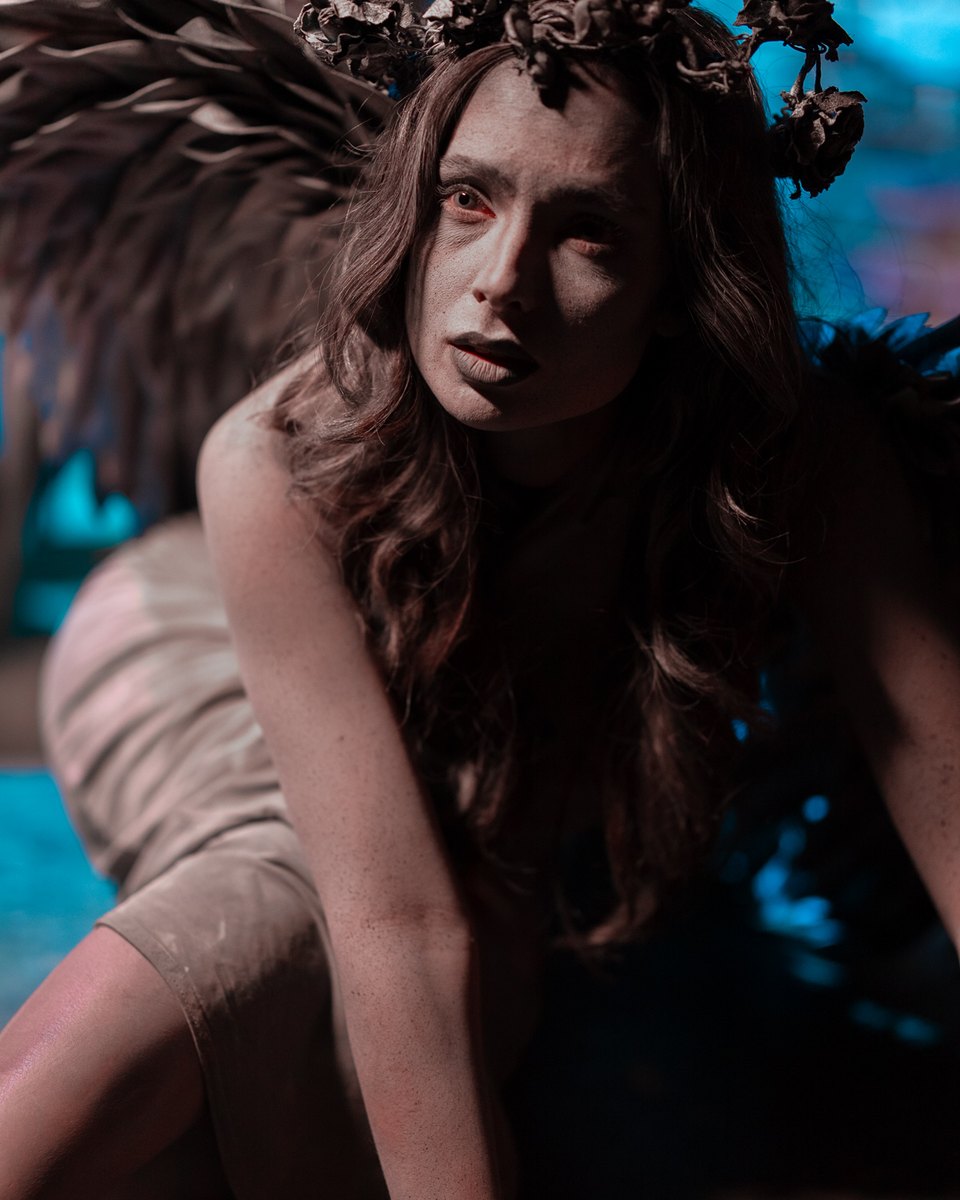
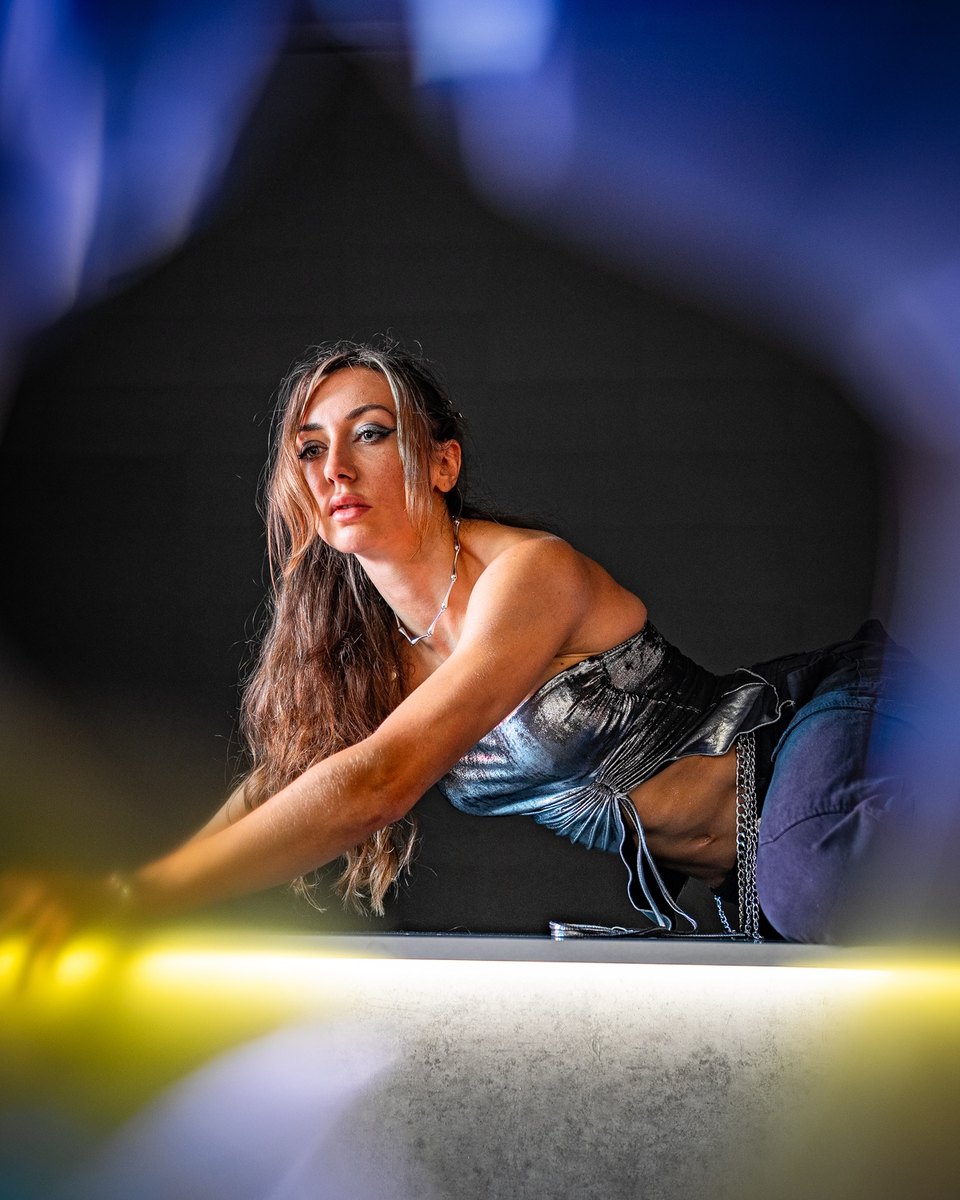
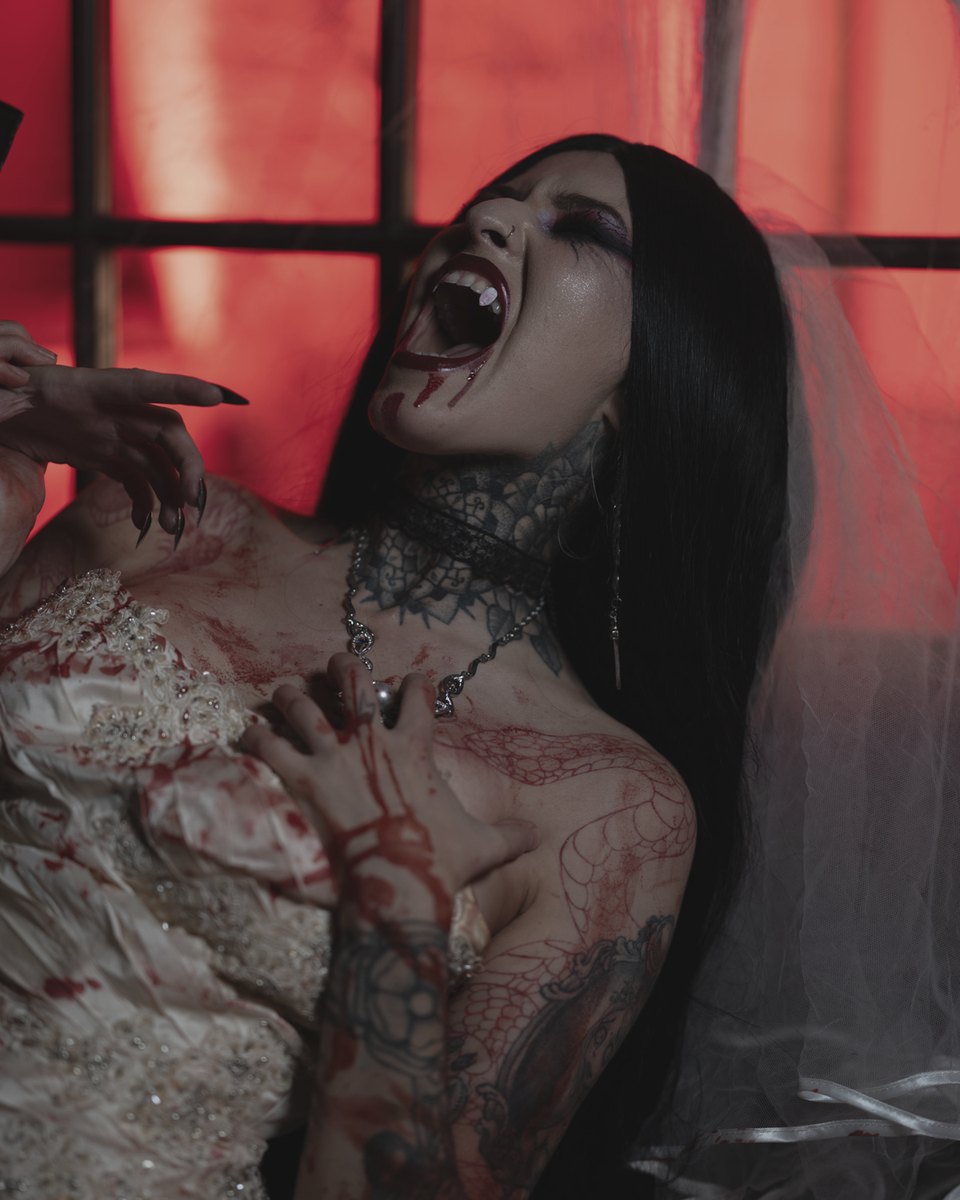
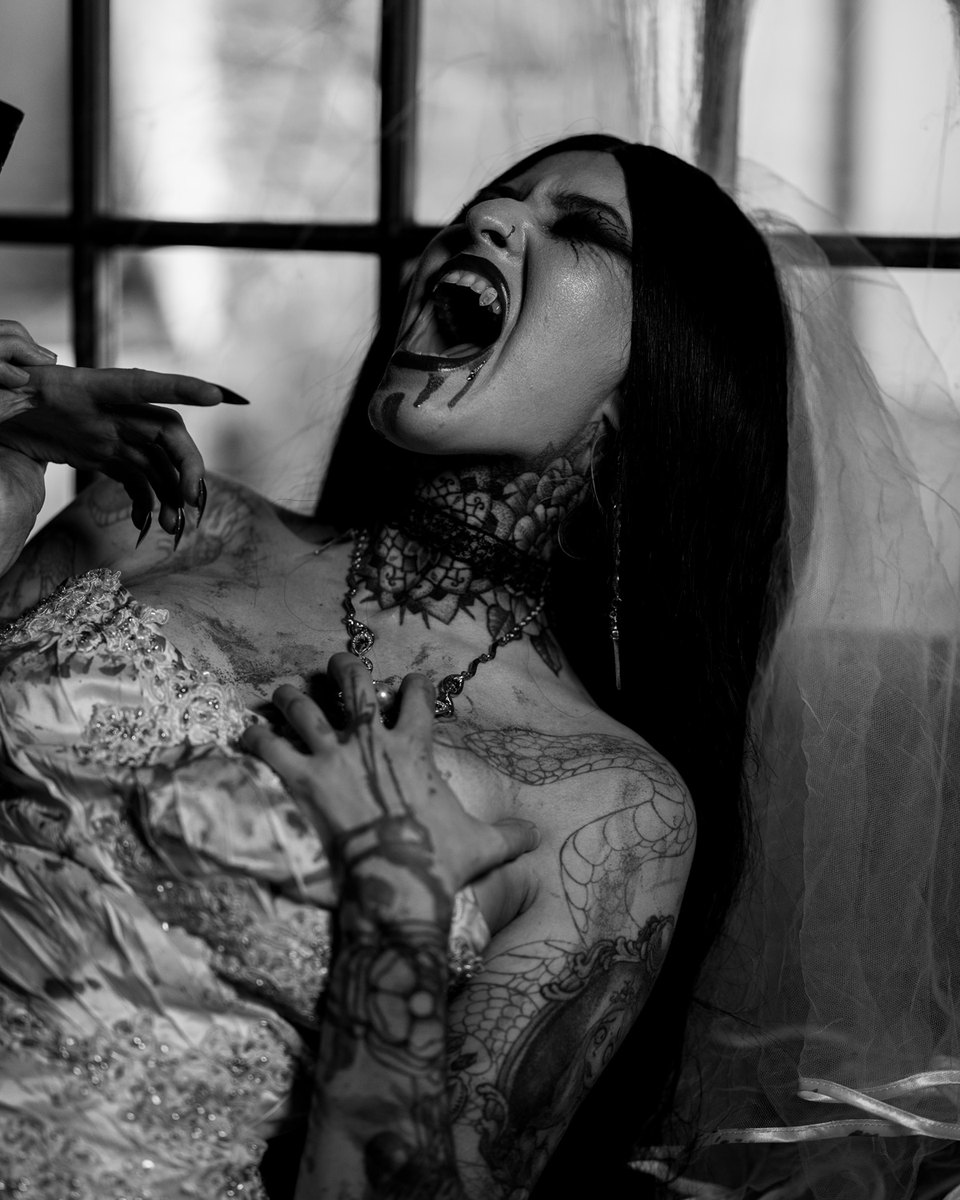
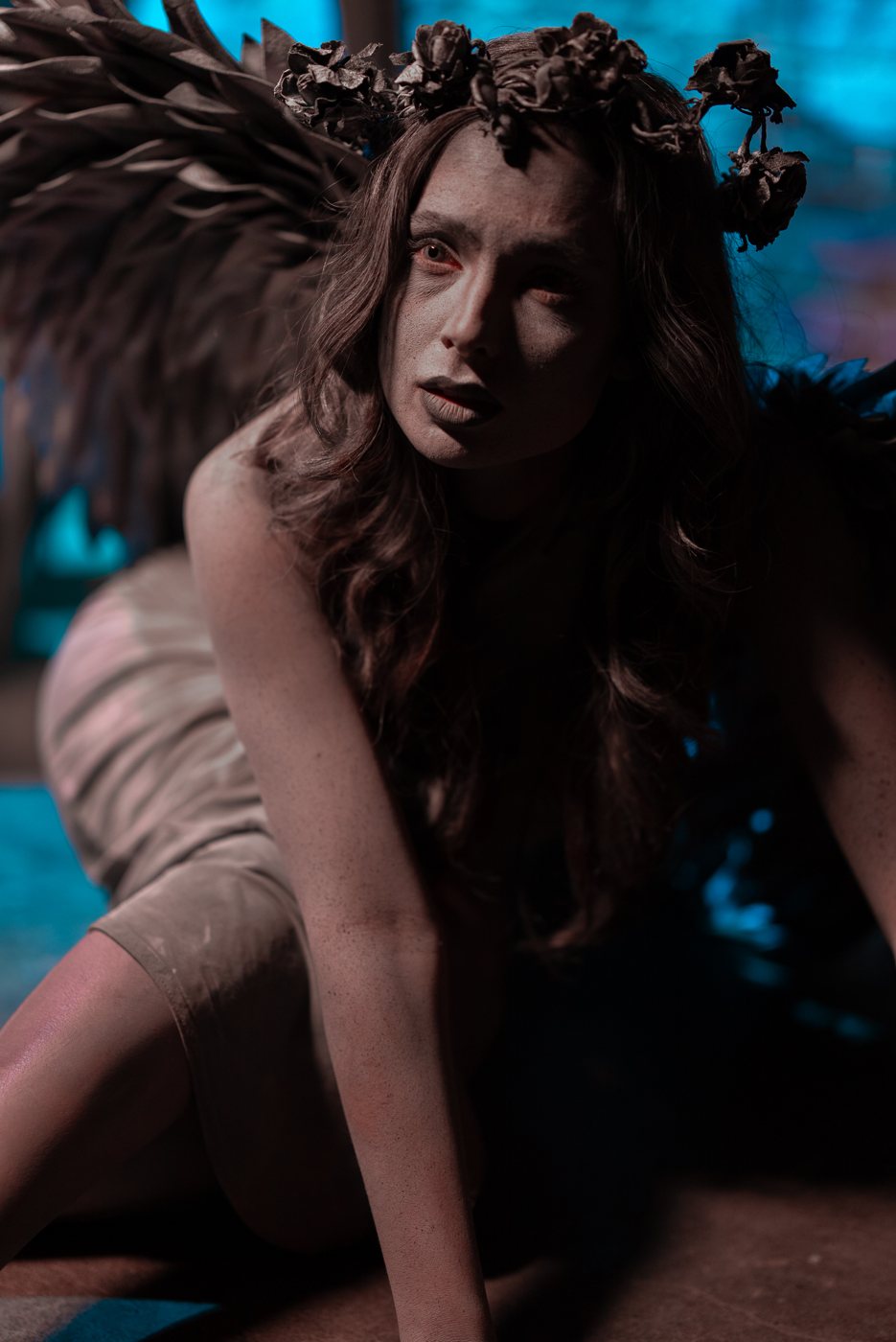
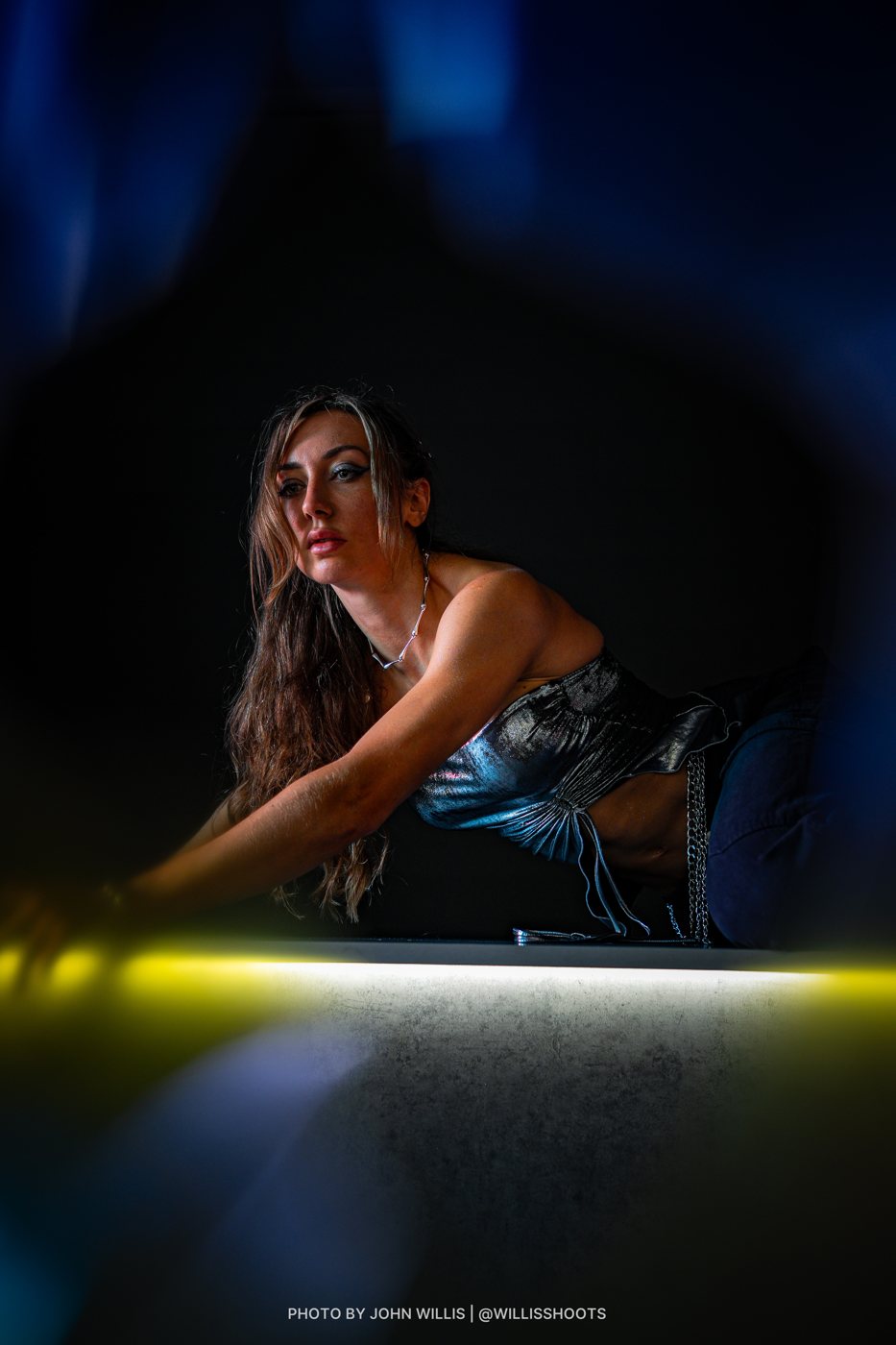
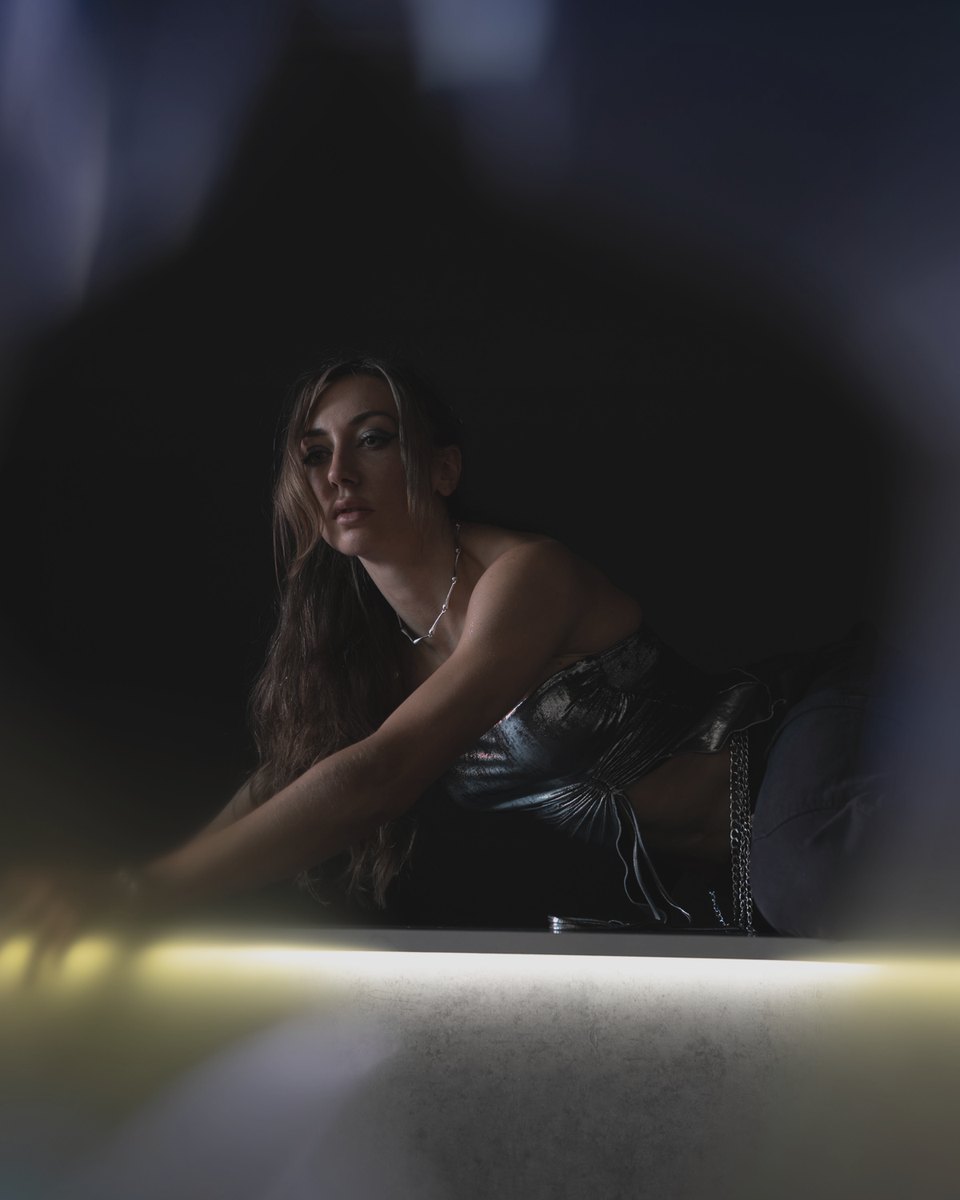
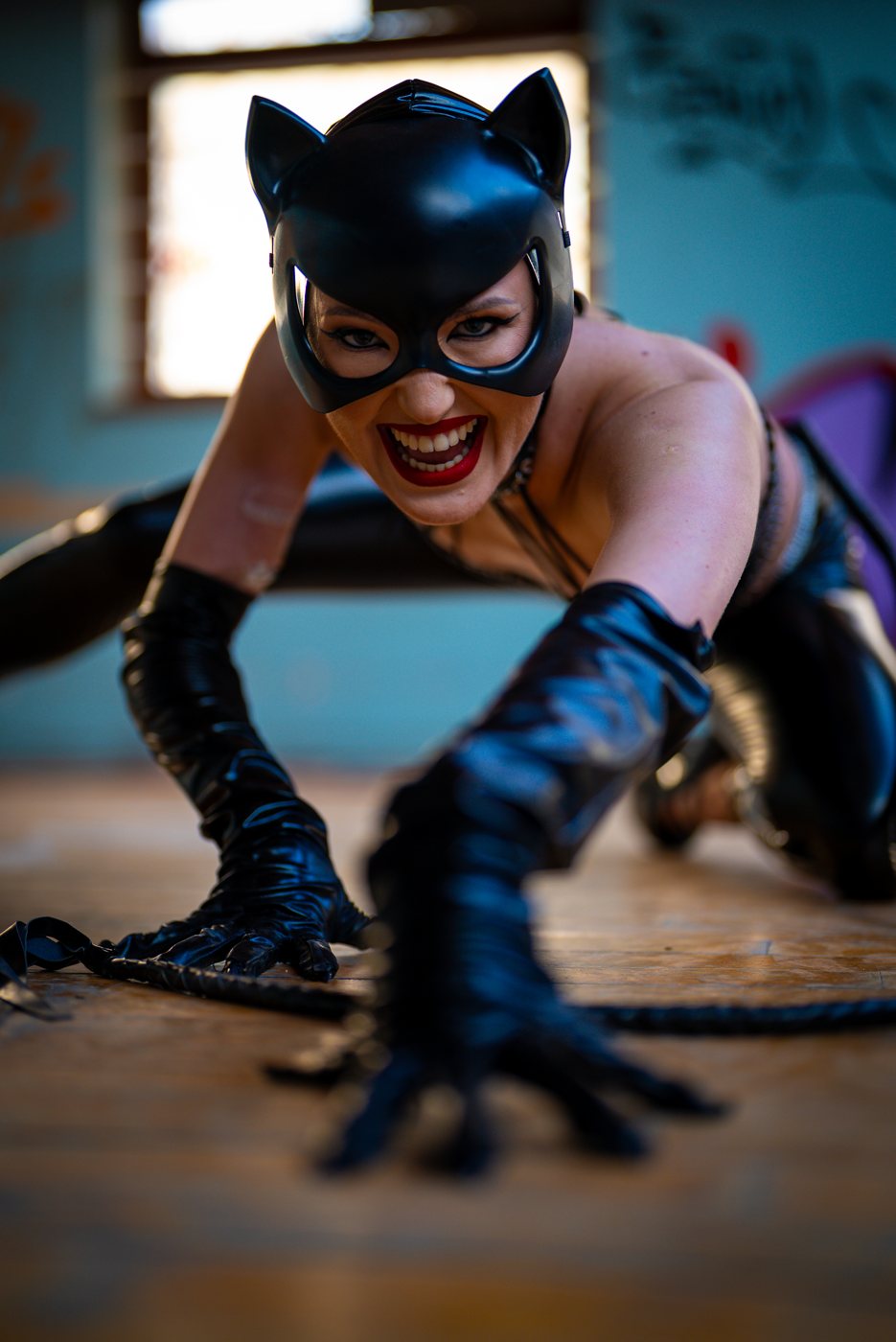
A few of my own shots: London streets, editorial portraits and my Halloween model shoot. The looks in this pack come from the way I edit photos like these.


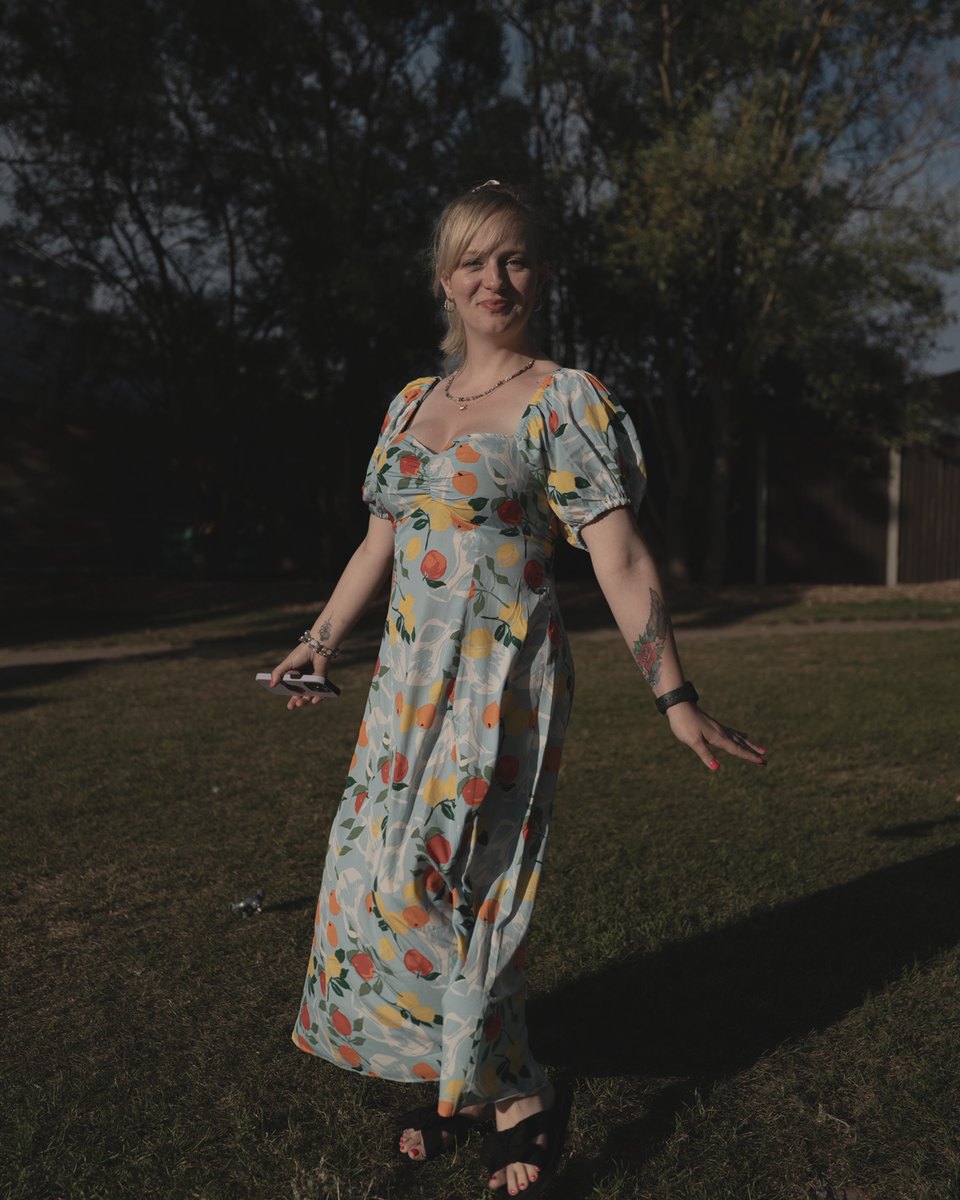
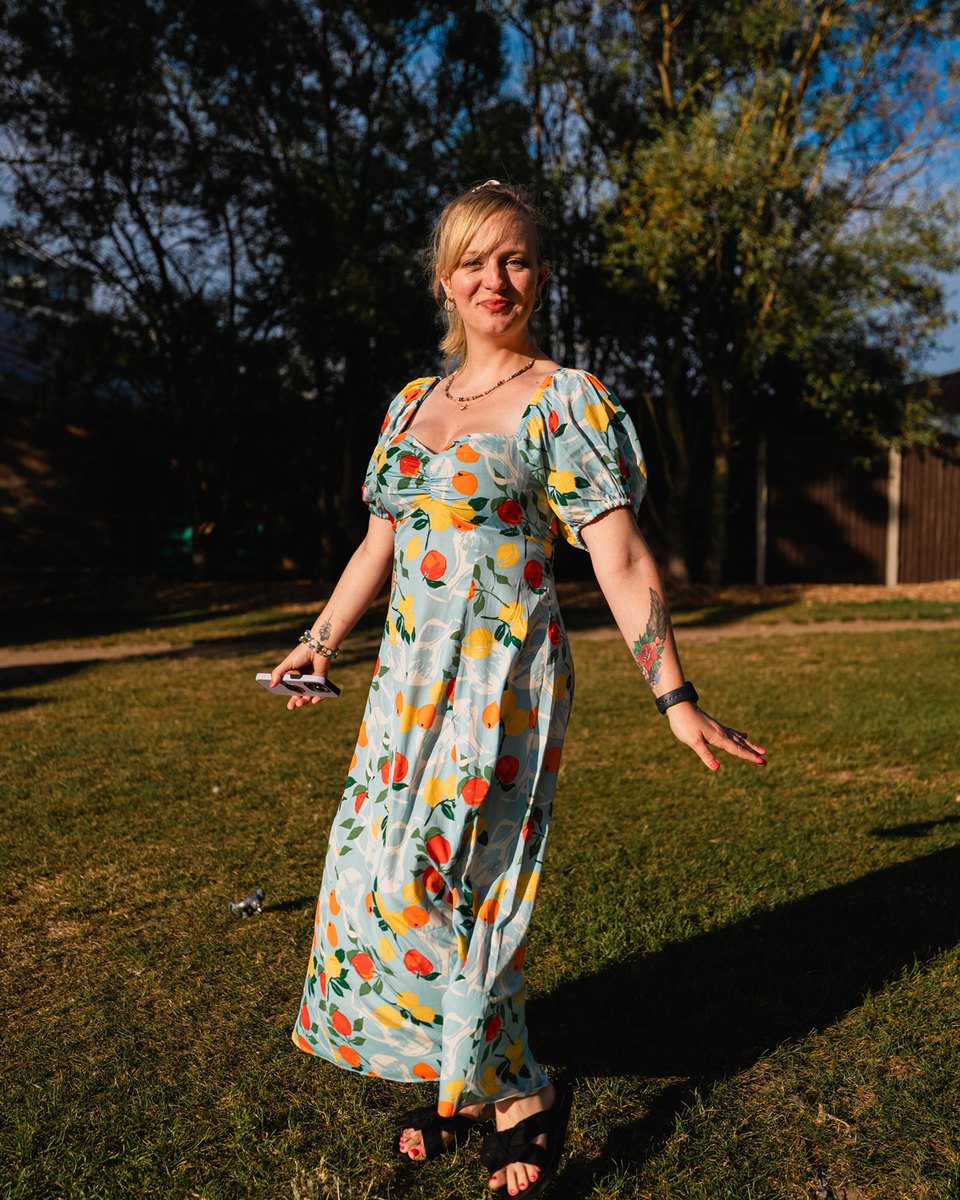
Before and after
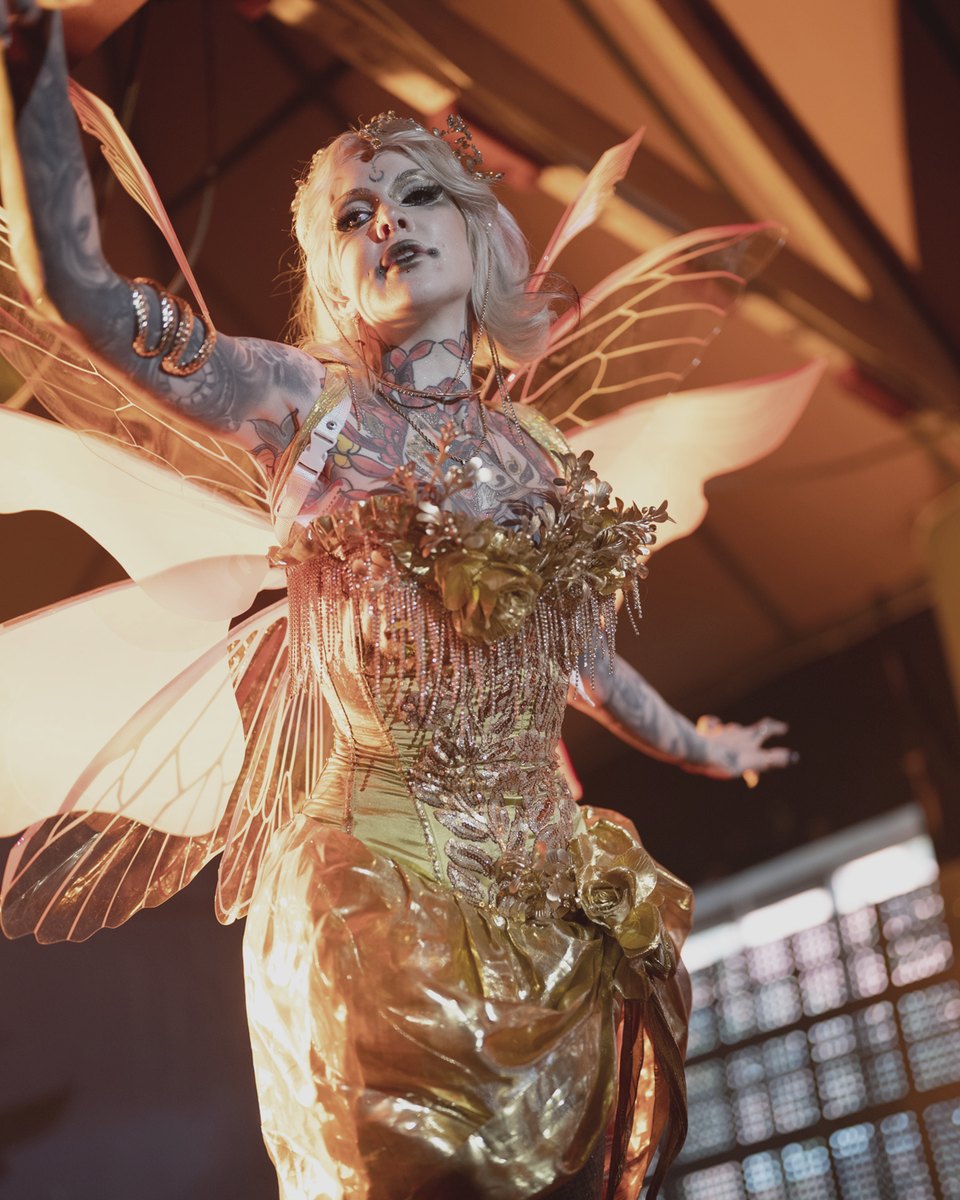
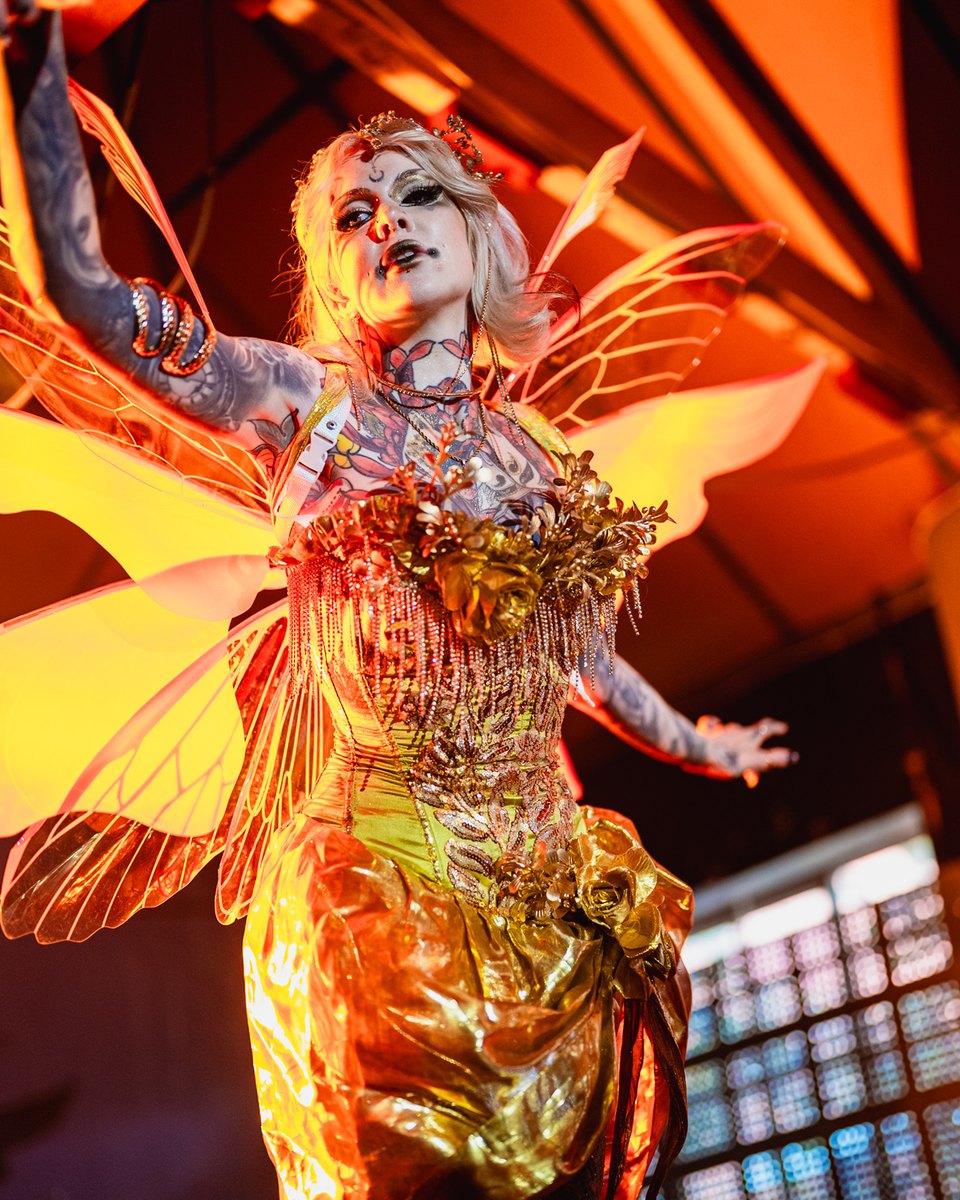
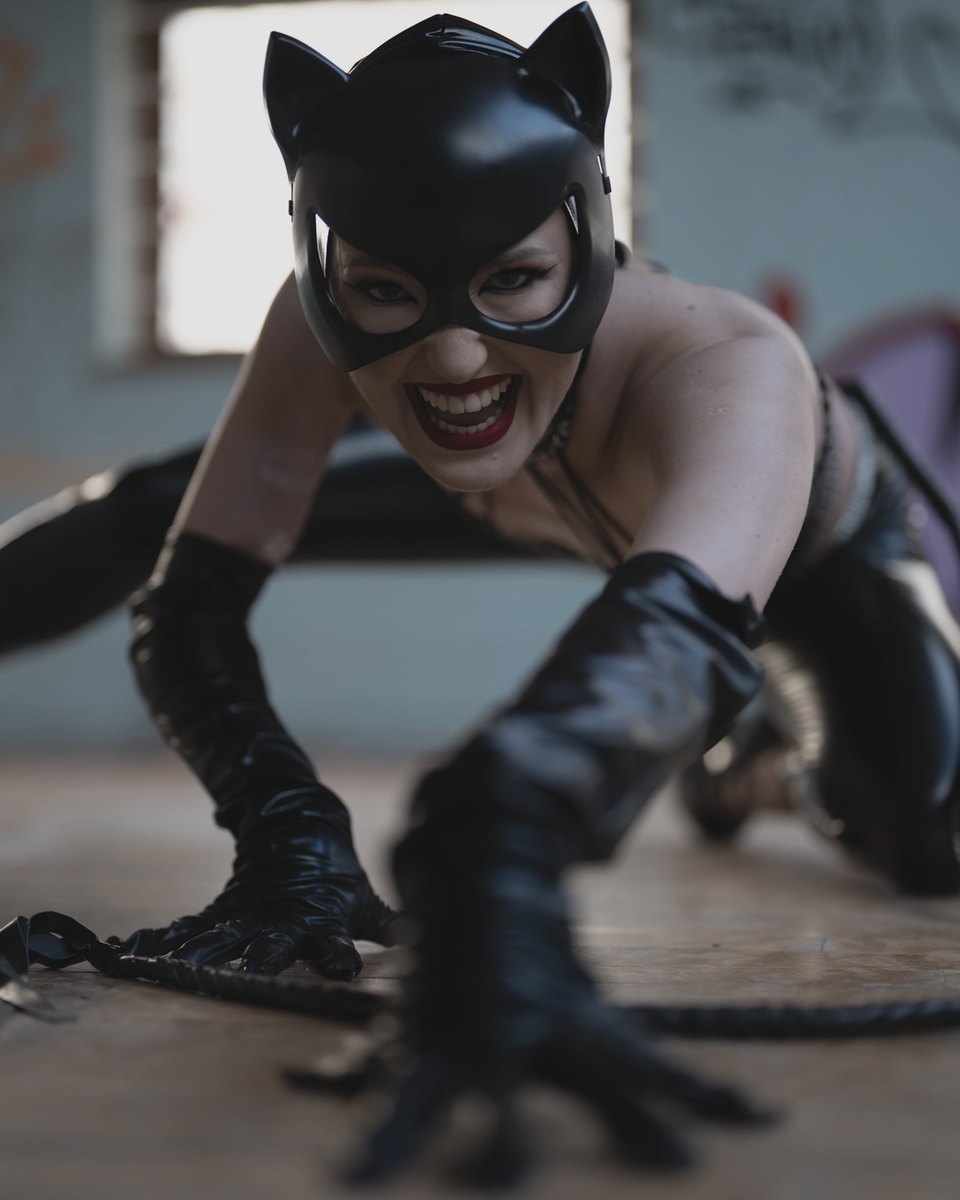
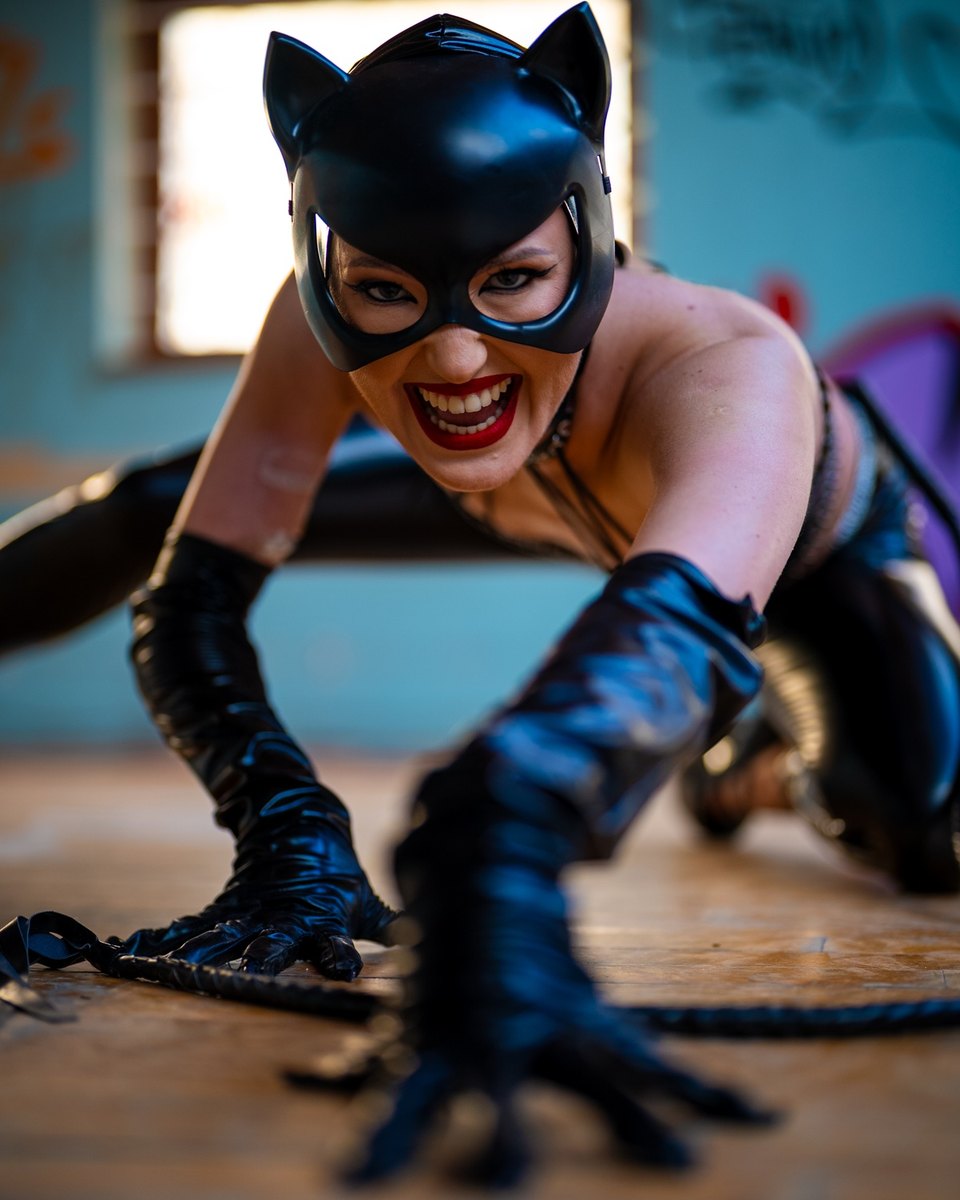
Drag the slider. Left: the raw file. Right: the same photo with the exposure set and one look from the pack.


What's inside
Street, portrait, cinematic, golden hour, night, film, editorial and black and white. Every look is clearly its own, with no near twins to scroll past. Three of them are taken straight from my own favourite edits, and these are the originals.


How it works
Pay once with Stripe. The download link lands in your inbox straight away: 23 Lightroom presets, 23 .cube LUTs and a one-page install guide.
Lightroom: File, Import Profiles and Presets, choose the zip. Photoshop: a Color Lookup layer, Load 3D LUT. Premiere: Lumetri, Creative, Look.
Set your exposure and white balance first, then click a look and dial the strength to taste. Every look works on raw, JPEG and video.
What you get
"I built these for my own Instagram. They're the looks I reach for every time, so you can skip the hour of sliders and get straight to posting."
Questions
A Lightroom preset changes Lightroom's own sliders, so it can also smooth skin, sharpen, add grain and add a film burn. A LUT (.cube) is a colour map that works in Photoshop, Premiere, Resolve, Final Cut and most video apps, so it carries each look's colour and tone but not the grain. The pack gives you both for every look.
Yes. Import the presets into Lightroom on your desktop and they sync to Lightroom mobile, or import the zip straight into Lightroom mobile. LUTs work in phone apps that accept .cube files.
Every photo is different, so set exposure and white balance first, then apply a look and adjust its strength. The looks are built to work across daylight, evening and low light.
Yes. Use the .cube files in Premiere Pro (Lumetri, Creative, Look), DaVinci Resolve or Final Cut Pro on normal Rec.709 footage. Convert log footage to Rec.709 first.
Straight after you pay, you get a download link on screen and by email.
23 looks, Lightroom, Photoshop and Premiere, £17 one-off.

Secure checkout with Stripe. Card, Apple Pay or Google Pay. Download link straight to your inbox.